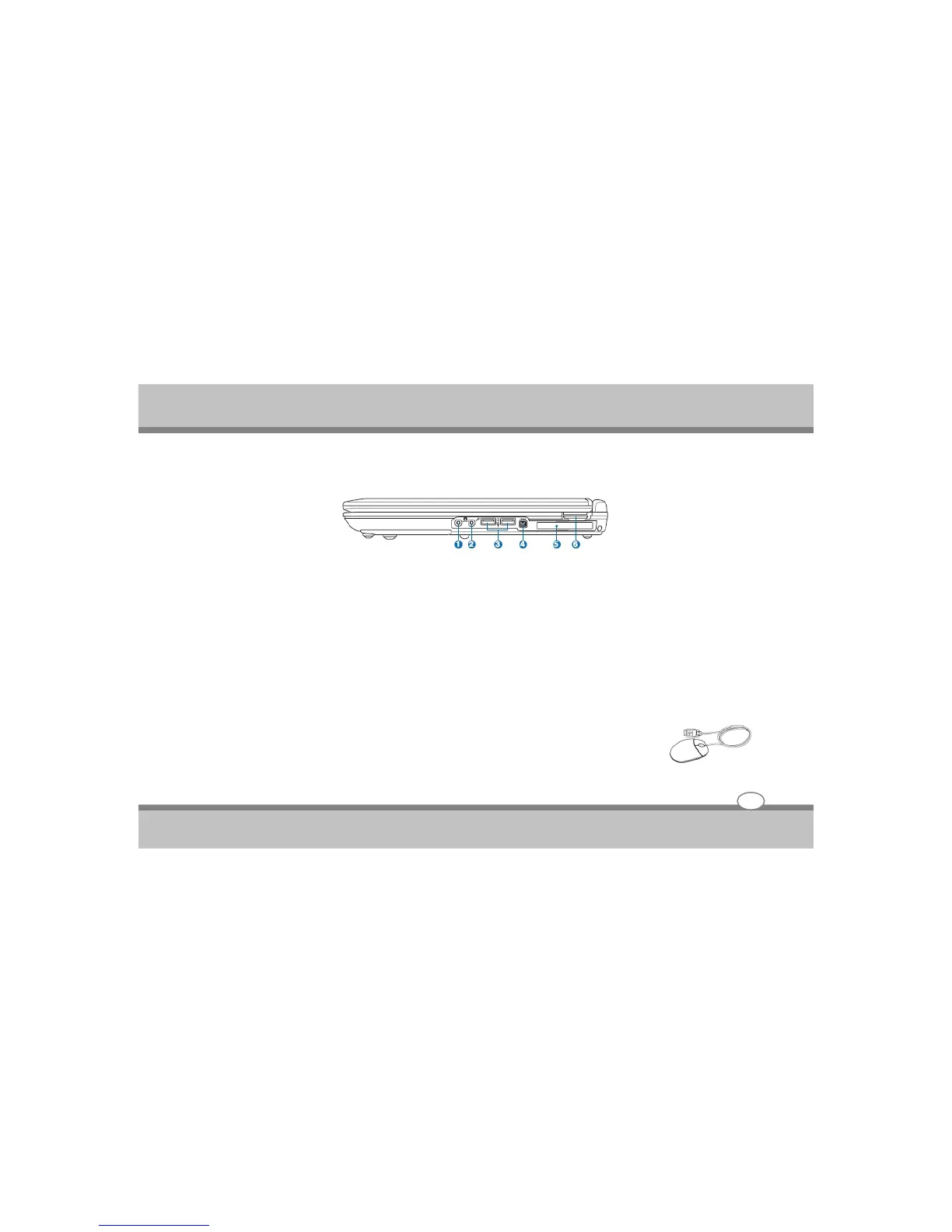
Right Side
Refer to the diagram below to identify the components on this side of the Notebook PC.
u Headphone Output Jack
The stereo headphone jack (1/8inch ) is used to connect the Notebook PC’S audio out signal to amplified
speakers or headphones.Using this jack automatically disables the built-in speakers.
v Microphone Input Jack
The mono microphone jack (1/8inch) can be used to connect an external microphone.Using this jack
automaticaly disables the built-in mirophone.Use this featutre for video conferencing,voice narrations,or
simple audio recordings.
w USB Port (2.0/1.1)
The Universal Serial Bus is compatible with USB 2.0 or USB 1.1 devices such as keyboards, pointing devices,
cameras, hard disk drives, printers, and scanners connected in a series up to 12Mbits/sec
(USB 1.1) and 480Mbit/sec (USB 2.0). USB allows many devices to run simultaneously on a
single computer, with peripherals such as USB keyboards and some newer monitors acting
as additional plug-in sites or hubs. USB supports hot-swapping of devices so that most
peripherals can be connected or disconnected without restarting the computer.
User's Guide
Knowing the Parts
2-7



 To Next Page