User's Guide
Important :
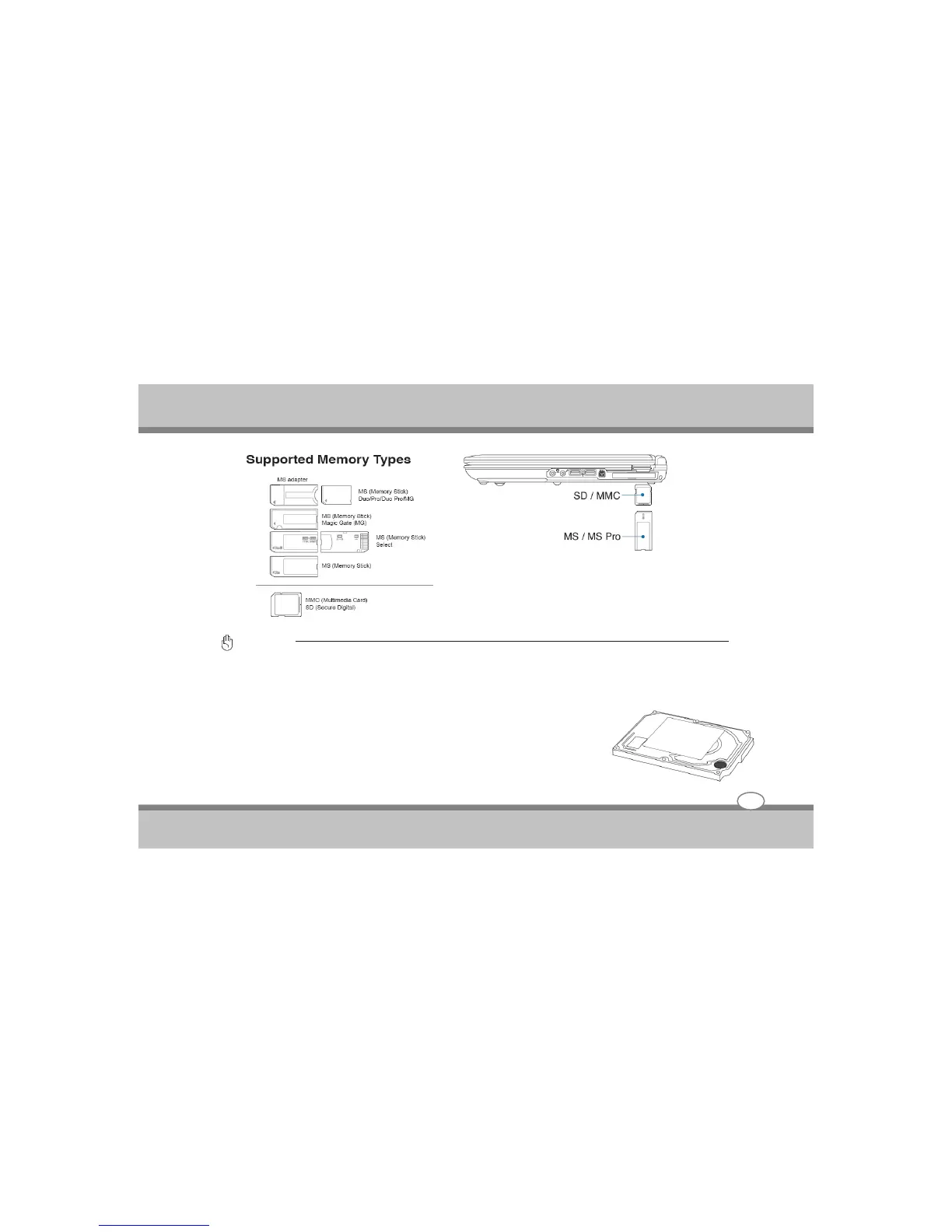
Never remove cards while or immediately after reading, copying, formatting or deleting data on the card or else data loss
may occur.
Hard Disk Drive
Hard disk drives have higher capacities and operate at much faster speeds than
floppy disk drives and optical drives. The Notebook PC comes with a
replaceable 2.5" (6.3cm) wide and approximately .374" (.95cm) high IDE hard
disk drive. Current IDE hard drives support S.M.A.R.T. (Self Monitoring and
Reporting Technology) to detect hard disk errors or failures before they happen.
When replacing or upgrading the hard drive, always visit an authorized service
center for this Notebook PC.
Using the Notebook PC
4-15



 To Next Page