User's Guide
Getting Started
Important :
To protect the hard drive, wait at least 5 seconds after turning OFF your Notebook PC before turning it back ON.
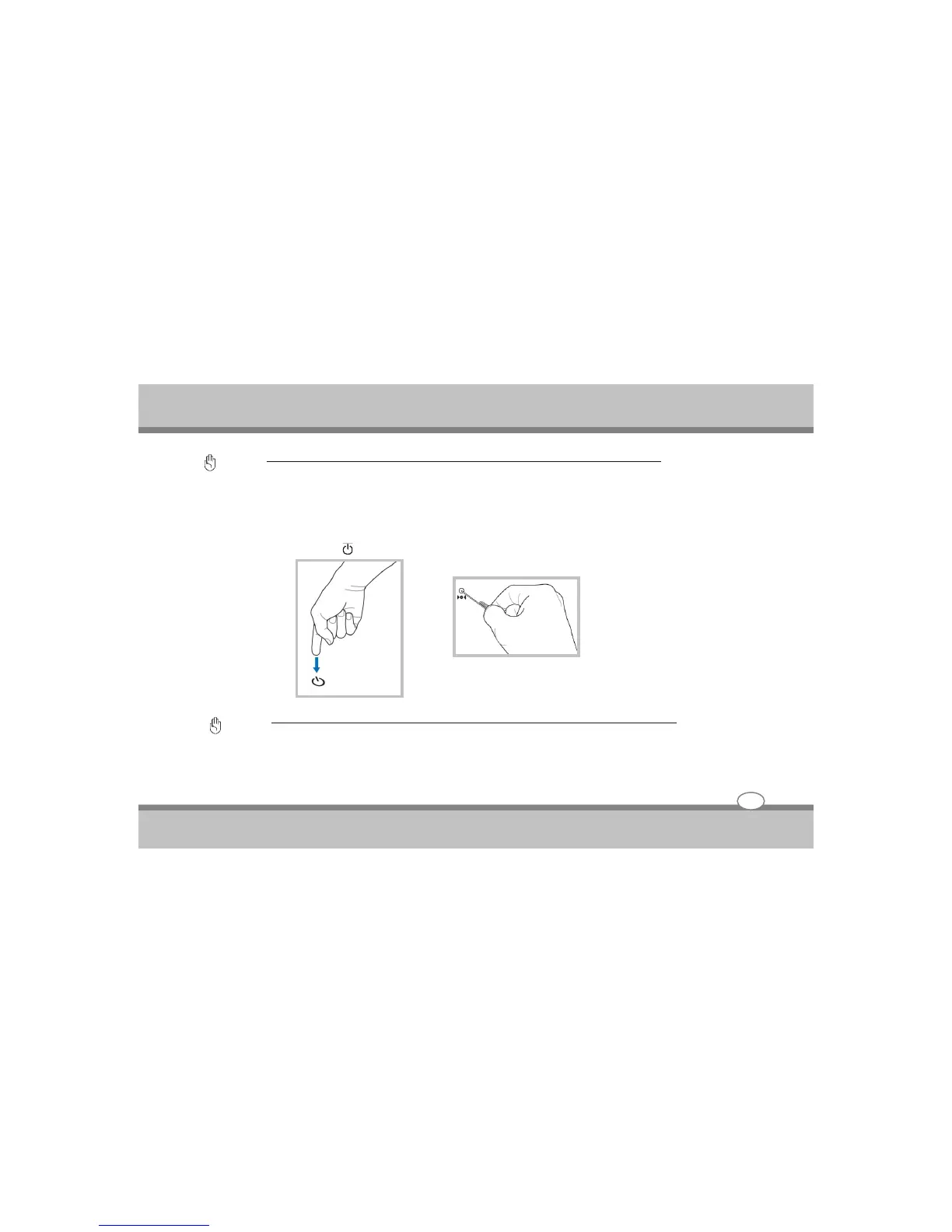
Emergency Shutdown
In case your operating system cannot properly turn OFF or restart, there are two additional ways to shutdown
your Notebook PC :
(1) Hold the power button over 4 seconds, or (2) Press the shutdown button.
TIP: Use a straightened paper clip to press the shutdown button.
Important :
Do not use emergency shutdown while data is being written ; doing so can result in loss or destruction of your data.
3-8



 To Next Page