User's Guide
Introducing the Notebook PC
Transportation Precautions
To prepare the Notebook PC for transport, you should turn it OFF and disconnect
all external peripherals to prevent damage to the connectors. The hard disk drive's
head retracts when the power is turned OFF to prevents scratching of the hard disk
surface during transport. Therefore, you should not transport the Notebook PC
while the power is still ON. Close the display panel and check that it is latched
securely in the closed position to protect the keyboard and display panel.
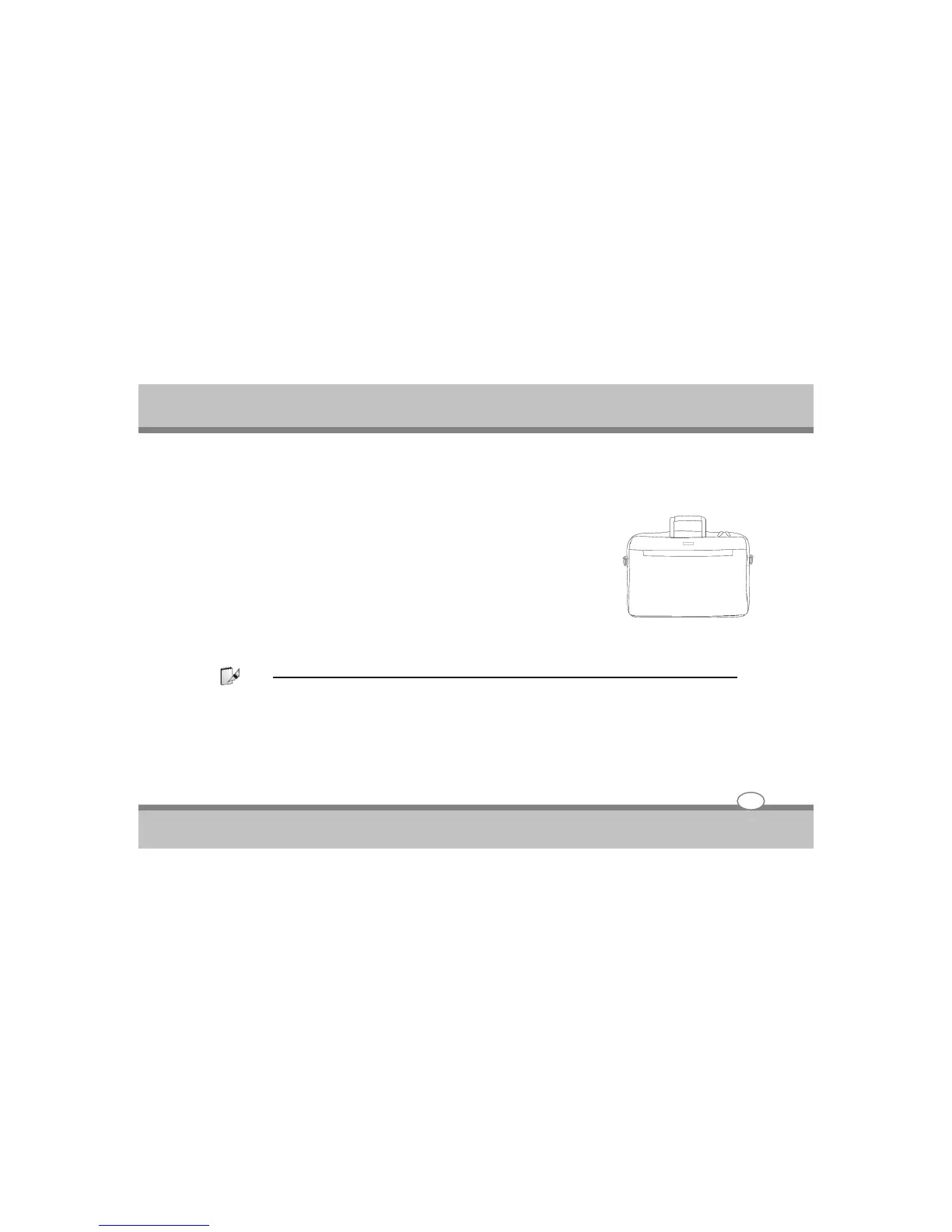
Cover You Notebook PC
You can purchase an optional carrying case to protect it from dirt, water, shock, and scratches.
Note :
The surface glaze is easily dulled if not properly cared for. Be careful not to rub or scrap the Notebook PC surfaces when
transporting your Notebook PC.
Cover Your Batteries
If you intend to use battery power, be sure to fully charge your battery pack and any optional battery packs
before going on long trips. Remember that the power adapter charges the battery pack as long as it is plugged
into the computer and an AC power source. Be aware that is takes much longer to charge the battery pack
when the Notebook PC is in use.
Introducing the Notebook
Chapter - 1
1-1



 To Next Page