User's Guide
Network Connection
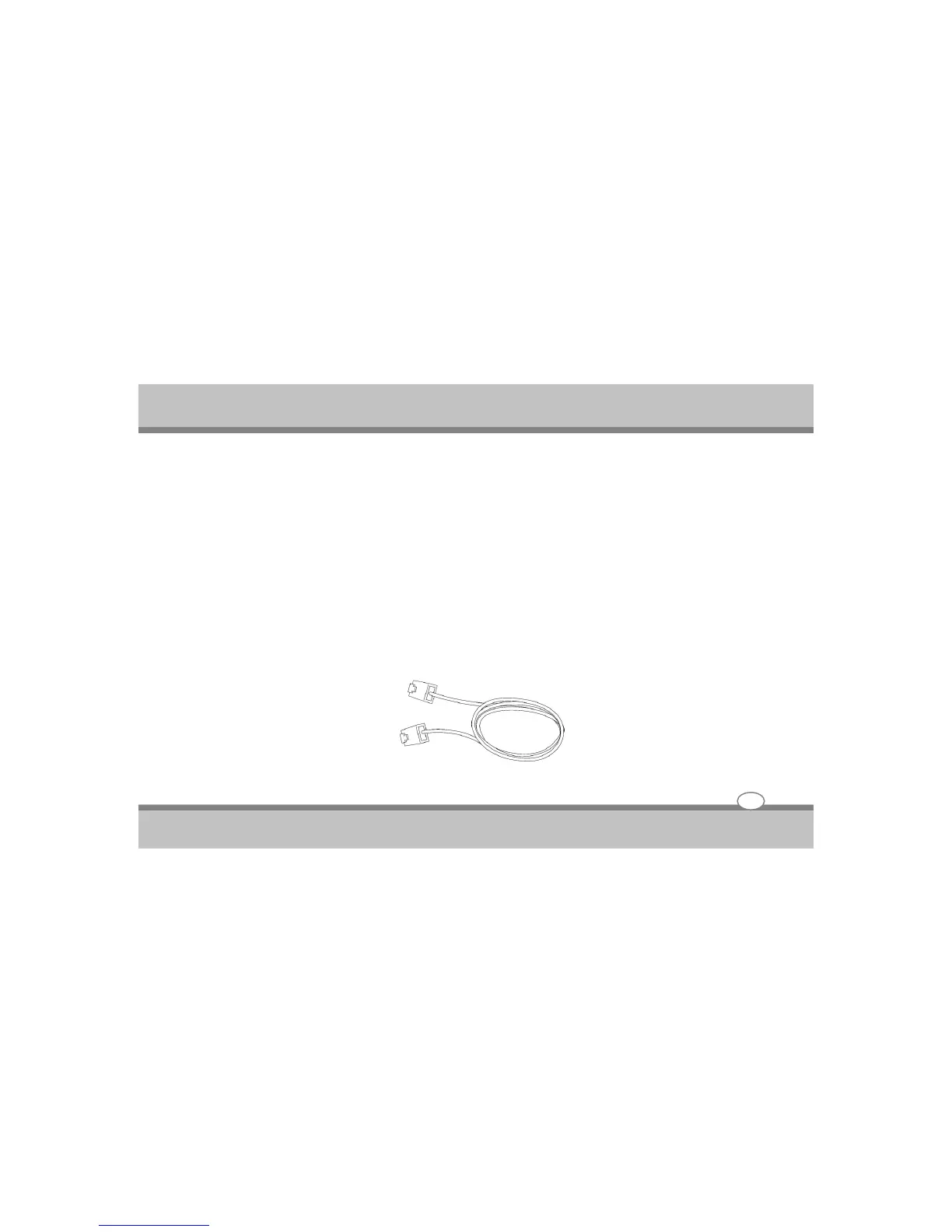
Connect a network cable, with RJ-45 connectors on each end, to the modem/network port on the Notebook PC
and the other end to a hub or switch. For 100 BASE-TX speed, your network cable must be category 5 or better
(not category 3) with twisted-pair wiring. If you plan on running the interface at 100Mbps, it must be connected
to a 100 BASE-TX / 1000 BASE-T hub (not a BASET4 hub). For 10Base-T, use category 3, 4, or 5 twisted-pair
wiring. 10/100 Mbps Full-Duplex is supported on this Notebook PC but requires connection to a network
switching hub with “duplex” enabled. The software default is to use the fastest setting so no user-intervention is
required.
Twisted-Pair Cable
The cable used to connect the Ethernet card to a host (generally a Hub or Switch) is called a straight-through
Twisted Pair Ethernet (TPE). The end connectors are called RJ-45 connectors, which are not compatible with
RJ-11 telephone connectors. If connecting two computers together without a hub in between, a crossover LAN
cable is required (Fast-Ethernet model). (Gigabit models support auto-crossover so a crossover LAN cable is
optional.)
Using the Notebook PC
4-18



 To Next Page