User's Guide
Getting Started
Wireless Switch
Wireless Models only: Toggles the internal wireless LAN OR Bluetooth (on selected models)ON or OFF
with an on-screen display. When enabled, the corresponding wireless indicator will light.Windows software
settings are necessary to use the wireless LAN or Bluetooth.
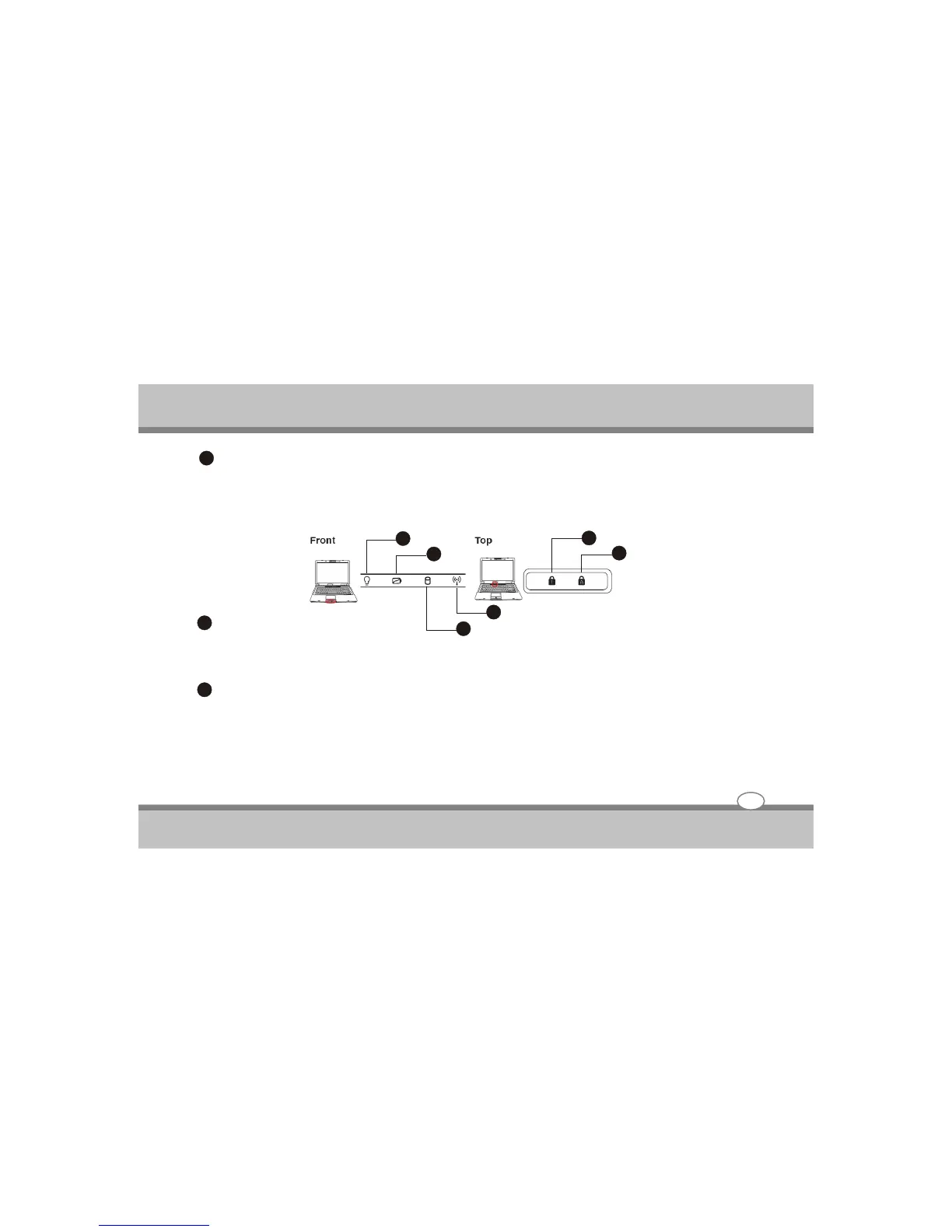
Status indicators
Power Indicator
The power indicator lights when the notebook PC is turned ON and blinks slowly when the notebook PC is in
the Suspend-to-Ram (standby) mode.This indicator is OFF when the Notebook PC is turned OFF or in the
Suspend-to-disk(Hibernation) mode.
2 Battery charge indicator
The Battery charge indicator is an LED that shows the status of the battery’s power as follows:
ON:The Noteb ook PC’S Battery is charging when AC power is connected.
OFF:The Notebook PC’s battery is charged or completely drained.
Blinking: Battery power is less than 10% and the AC power is not connected.
3-13
3
1
3
2
2
2
1
6
1
3
4
5
1
1
1
2



 To Next Page