User's Guide
A recovery CD is optional and includes an image of the original operating system installed on the hard drive at
the factory. The recovery CD provides a comprehensive recovery solution that quickly restores the Notebook
PC's operating system to its original working state provided that your hard disk drive is in good working order. .
Note :
Some of the Notebook PC's components and features may not work until the device drivers and utilities are installed.
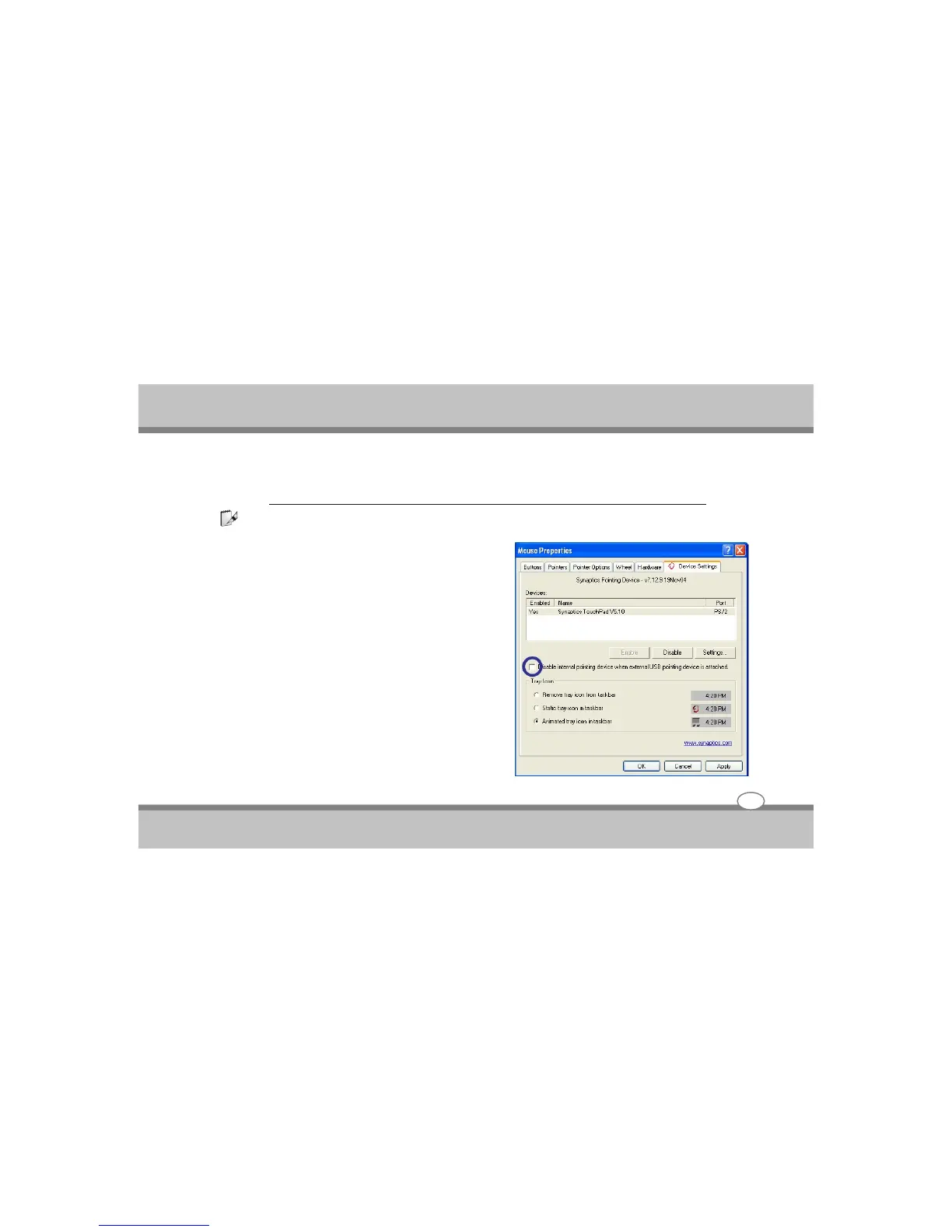
Automatic Touchpad Disabling(on selected
models)
Notebook PC models with newer chipsets will automatically
disable the Notebook Pc’s touchpad when an external
USB mouse is attached.To turn OFF this feature,deselect
the option in Windows Control panel-Mouse properties-
Device settings.
Using the Notebook PC
4-2



 To Next Page