9
(6.0) Operation
(6.1) Pairing a Bluetooth Device
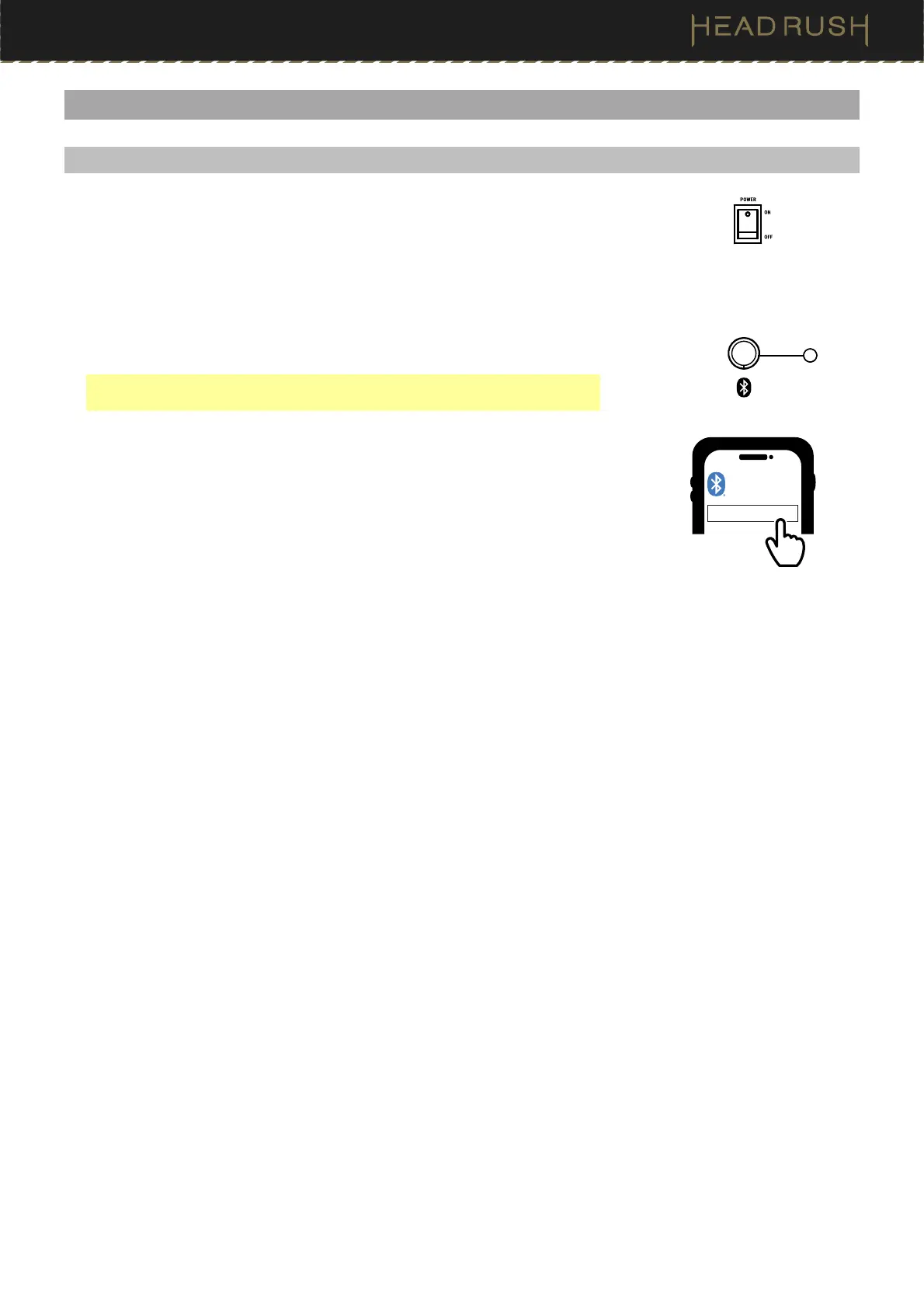
1. Power on the FRFR-GO. The Bluetooth LED will not be lit when the speaker
is first powered on unless it was previously paired with a device before
being powered off.
2. Press and hold the Bluetooth button for 1.5 seconds, and then release it.
The Bluetooth LED will flash when in pairing mode.
3. Navigate to your Bluetooth device’s setup screen, find FRFR-GO, and
connect. The Bluetooth LED will be lit solid when a device is paired.
Note: If your Bluetooth device prompts that a pairing code is required, use
“0000”.
4. Adjust the volume using the Main Volume knob.
To unpair a device, press and hold the Bluetooth button for 1.5 seconds.
FRFR-GO
BLUETOOTH
Press and hold
for 1.5 seconds
Flip the switch to ON
Solid LED =
Paired


 To Next Page