10
Reverb/Delay Tail Spillover
The MX5 features two types of Reverb/Delay Tail Spillover:
• If you have reverb and/or delay effect(s) active on your rig and then switch to a different rig, the effect(s)
will continue to decay after switching to the second rig.
• If you have a reverb or delay effect active on your rig and then bypass this effect, it will continue to decay
after it is bypassed.
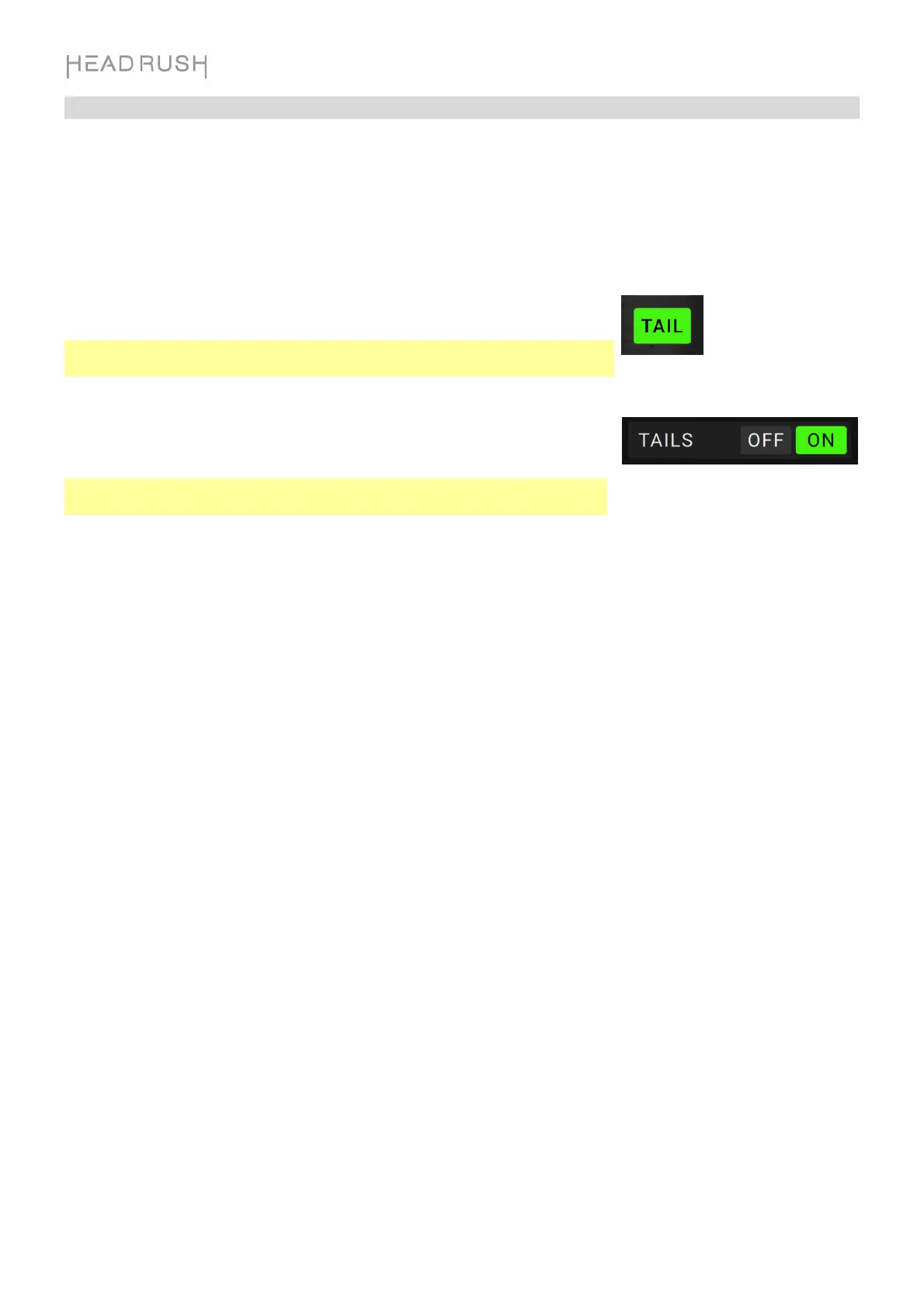
To enable or disable this feature for the current rig, tap Tail on the Main
Screen.
Note: This feature will not work if you are using the FX Loop or USB Audio
features.
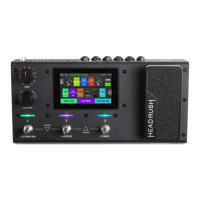
To enable or disable Reverb/Delay Tail Spillover for an individual effect,
first double tap the effect on the Main Screen. Then, use the Tails
parameter to toggle the feature On or Off.
Note: Adjusting this parameter will not impact the Reverb/Delay Tail Spillover
setting for the whole rig.


 To Next Page