15
Installation, Operation & Maintenance AIR HANDLER SERIES Heat Controller, Inc.
ECM Blower Control
The ECM fan is controlled directly by the DXM2/AXM control
board that converts thermostat inputs and CFM settings to signals
used by the ECM motor controller. To take full advantage of the
ECM motor features, a communicating multi-stage thermostat
should be used.
The AXM control maintains a selectable operating airfl ow [CFM]
for each heat pump operating mode. For each operating mode
there are maximum and minimum airfl ow limits. See the ECM
Blower Performance tables for the maximum, minimum, and
default operating airfl ows.
Airfl ow levels are selected using the confi guration menus of a
communicating thermostat or diagnostic tool. The confi guration
menus allow the installer to independently select and adjust the
operating airfl ow for each of the operating modes. Air fl ow can be
selected in 25 CFM increments within the minimum and maximum
limits shown in Table 8. The blower operating modes include:
• First Stage Cooling (Y1 & O)
• Second Stage Cooling (Y1, Y2, & O)
• First Stage Cooling in Dehumidifi cation Mode
(Y1, O, & Dehumid)
• Second Stage Cooling in Dehumidifi cation Mode
(Y1, Y2, O, & Dehumid)
• First Stage Heating (Y1)
• Second Stage Heating (Y1 & Y2)
• Third Stage (Auxiliary) Heating (Y1, Y2, & W)
• Emergency Heating (W with no Y1 or Y2)
• Fan (G with no Y1, Y2, or W)
The ECM motor includes “soft start” and “ramp down” features.
The soft start feature is a gentle increase of motor rpm at blower
start up. This creates a much quieter blower start cycle.
The ramp down feature allows the blower to slowly decrease rpm
to a full stop at the end of each blower cycle. This creates a much
quieter end to each blower cycle and adds overall unit effi ciency.
The ramp down feature is eliminated during an ESD (Emergency
Shut Down) situation. When the DXM2 ESD input is activated,
the blower and all other control outputs are immediately de-
activated.
The duration of the “ramp down” periods are adjustable from
0 seconds to 255 seconds. This adjustment is available in the
Aifl ow Selection screen using the communicating thermostat or
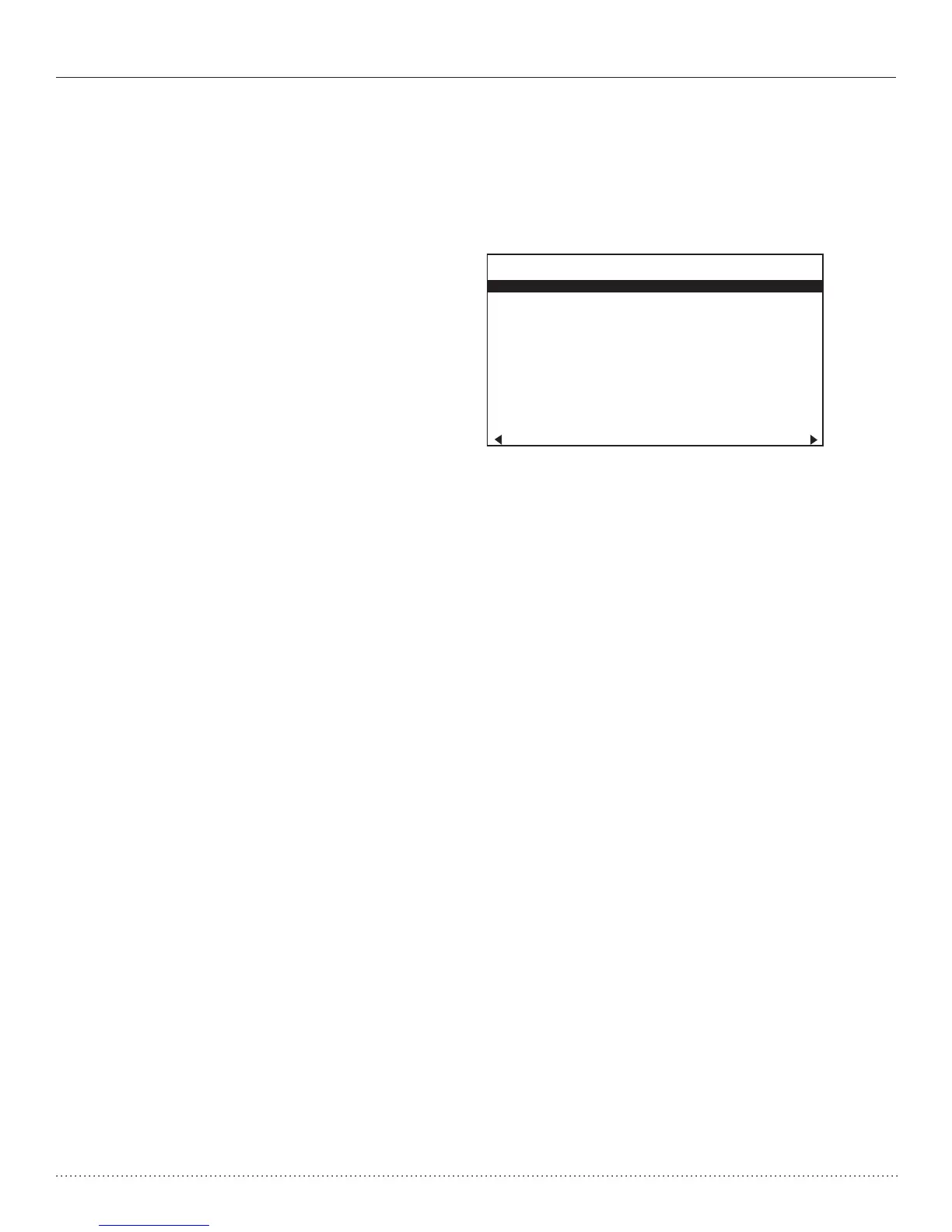
confi guration/diagnostics tool, see Figure 8.
Special Note for AHRI Testing: To achieve rated airfl ow for AHRI
testing purposes, it is necessary to change the CFM settings to
rated airfl ow.
AIRFLOW SELECTION
CFM
HEAT STAGE 1 600
HEAT STAGE 2 750
AUXILIARY HEAT 850
EMERGENCY HEAT 850
COOL STAGE 1 525
COOL STAGE 2 700
COOL DEHUMID 1 425
COOL DEHUMID 2 550
CONTINUOUS FAN 350
HEAT OFF DELAY 60
COOL OFF DELAY 30
PREVIOUS NEXT
Figure 8: Airfl ow Confi guration Screen on Communicating
Thermostat



 To Next Page