prefer.
During this function, the display will show the actual
room temperature, not the set temperature as in the
cooling mode.
To operate on Dry mode:
In this mode, the air conditioner will generally operate
in the form of a dehumidifier. Since the conditioned
space is a closed or sealed area, some degree of
cooling will continue.
When you set the air conditioner in AUTO mode, it will
automatically select cooling, heating (cooling only models
without), or fan only operation depending on what
temperature you have selected and the room temperature.
The air conditioner will control room temperature
automatically around the temperature point set by you.
In Fan only mode ,the temperature is not adjusted.
The unit will initiate automatically the Energy Saver
function under Cool, Dry, Auto(only Auto-Cooling and
Auto-Fan) modes.
SLEEP FEATURE:
Press Sleep button to initiate the sleep mode. In
this mode the selected temperature will increase
OO
(cooling) or decrease (heating) by 2 F/1(or 2) C 30
minutes after the mode is s elected.T he t emperature
will then increase (cooling) or decrease (heating) b y
OO
another 2 F/1(or 2) C after an additional 30 minutes.
T his n ew t emperature w ill be m aintained f or 6 h ours
before i t r eturns t o th eoriginallyse lected tem perature.
This ends the Sleep mode and the u nit w ill c ontinue
t o o perate as originally programmed. The Sleep
mode program can be cancelled at any time during
operation by pressing the Sleep button again.
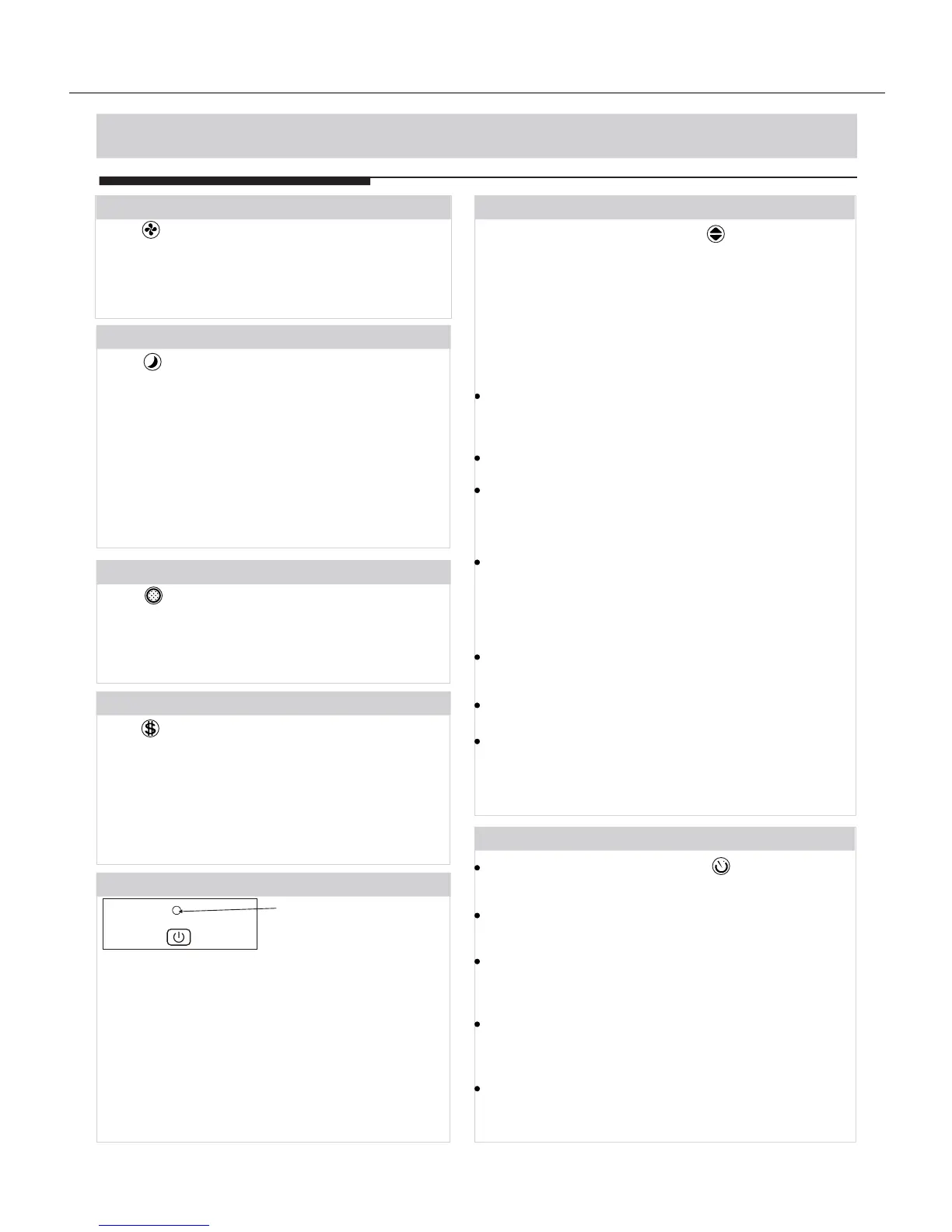
Press Check filter button to initiate theis feature.
This feature is a reminder to clean the Air Filter for
more efficient operation. The LED(light) will illumi-
nate after 250 hours of operation. To reset after
cleaning the filter, press the Check Filter button and
the light will go off.
CHECK FILTER FEATURE:
ENERGY SAVER FEATURE:
Press Energy saver button to initiate this function.
This function is available on COOL, DRY, AUTO
(only AUTO-COOLING and AUTO-FAN) modes.The
fan will continue to run for 3 minutes after the
compressor shuts off.The fan then cycles on for 2
minutes at 10 minute intervals until the room
temperature is above the set temperature, at which
time the compressor turns back on and Cooling
Starts.
FOLLOW ME FEATURE:(on some models)
Light flashing
Follow
Me
This feature can be activated from the remote
control ONLY. The remote control serves as
a remote thermostat allowing for the precise
temperature control at its location.
To activate the Follow Me feature, point the remote
control towards the unit and press the Follow Me
button. T
If the unit does not
receive the Follow Me signal during any 7 minute
interval, the unit will beep to indicate the Follow Me
mode has ended.
he remote display is actual temperature at
its location. The remote control will send this signal
to the air conditioner every 3 minutes until you
press the Follow Me button again.



 To Next Page