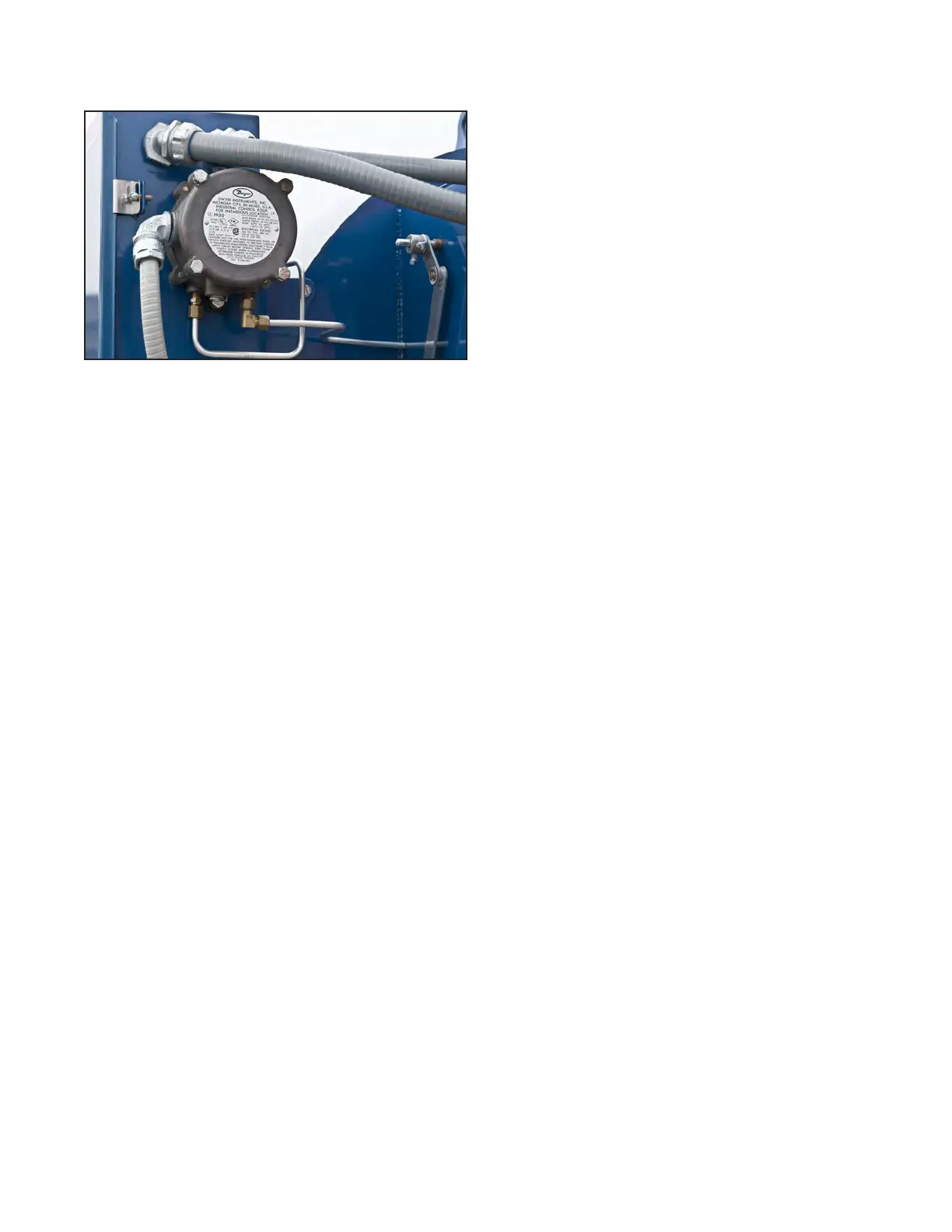
CHECKING LOW COMBUSTION AIR
SWITCH
Figure 14. Low combustion air switch.
Make sure that the BURNER switch (Fig. 4) is set to
OFF.
1. In the control panel unlatch the auxiliary
contacts (D, Fig. 15) for the combustion air
blower and physically remove it with wires
attached.
2. Pull out the blue plunger on the module and
hold it out to close its contacts.
3. Restart the burner. The COMB. AIR/ ALL LIMITS
MADE light (Fig. 4) should come on almost
immediately.
4. Trip the breaker disconnect for the combus-
tion air blower. The COMB. AIR/ ALL LIMITS
MADE light should go out within 4 to 5 sec-
onds. If not, remove cover from combustion
air switch (Fig. 14) and re-adjust it as fol-
lows: Turn the adjustment screw clockwise
to shorten the cut-off response time. Turn
it counterclockwise to lengthen the cut-off
response time.
Re-insert the auxiliary contacts module into the
breaker disconnect.
Publication 1-10-218
Page 10


 To Next Page