9. HOW TO ACTIVATE 8°C MODE
In 8° HEAT mode, the fan speed is set at “AUTO” automatically.
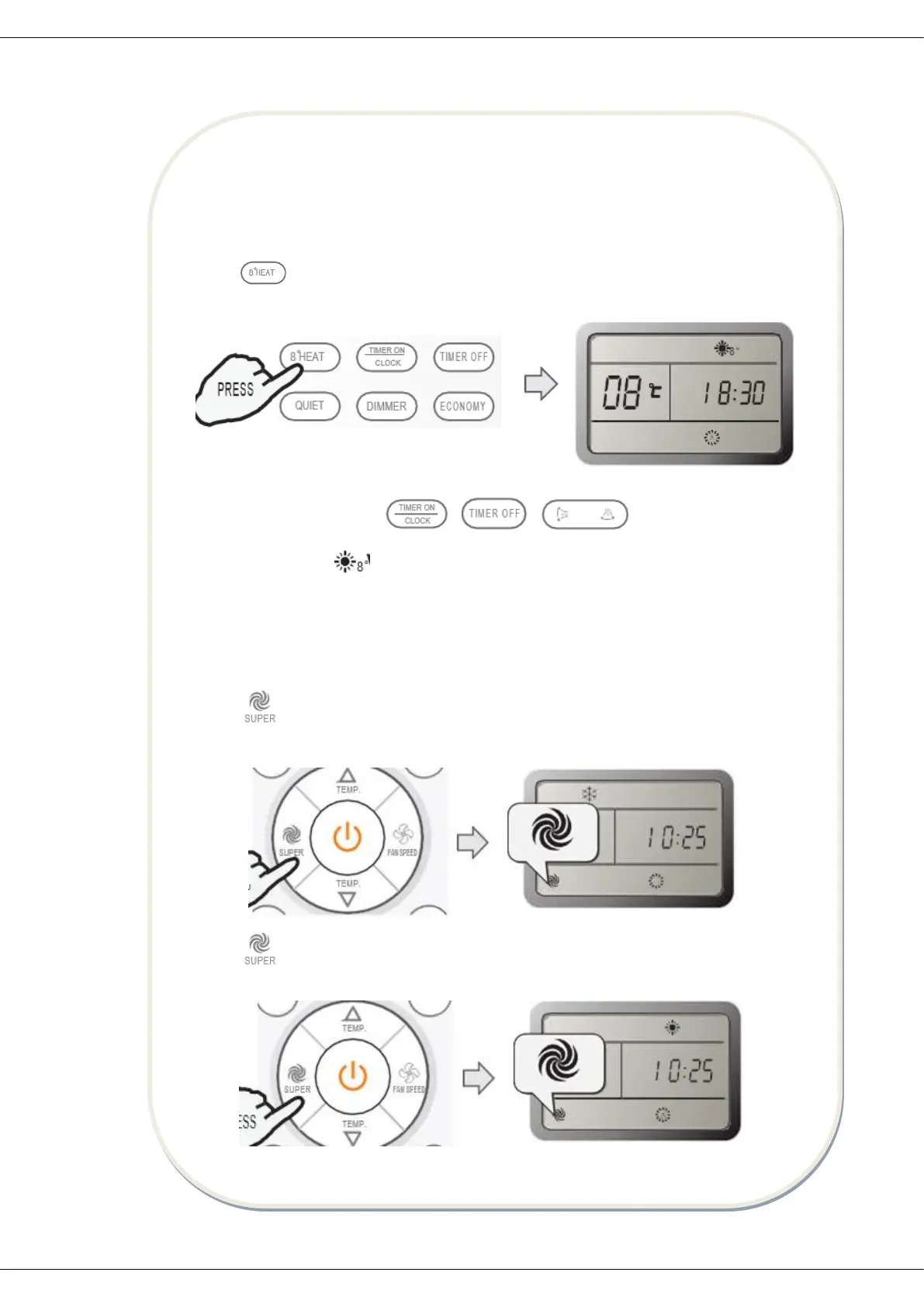
How to set 8° Heat mode?
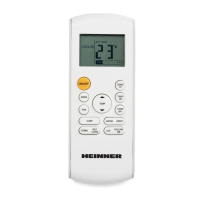
Press button at the heating mode.
Result: the 8° heat mode will be started.
How to cancel 8°heat mode?
Press any button except for , , .
Result: the display will dissapear and the 8° heat mode will be cancelled.
Note: in 8° heat mode, the default temperature is set at 8°C. 8° heat mode can be set
only when the air conditioner works in the heating mode.
10. HOW TO ACTIVATE SUPER MODE?
Press button at the cool mode.
Result: at higher fan speed, the set temperature automatically goes to 16°C.
Press button at the heat mode.
Result: at auto fan, the set temperature automatically goes to 30°C.


 To Next Page
 Loading...