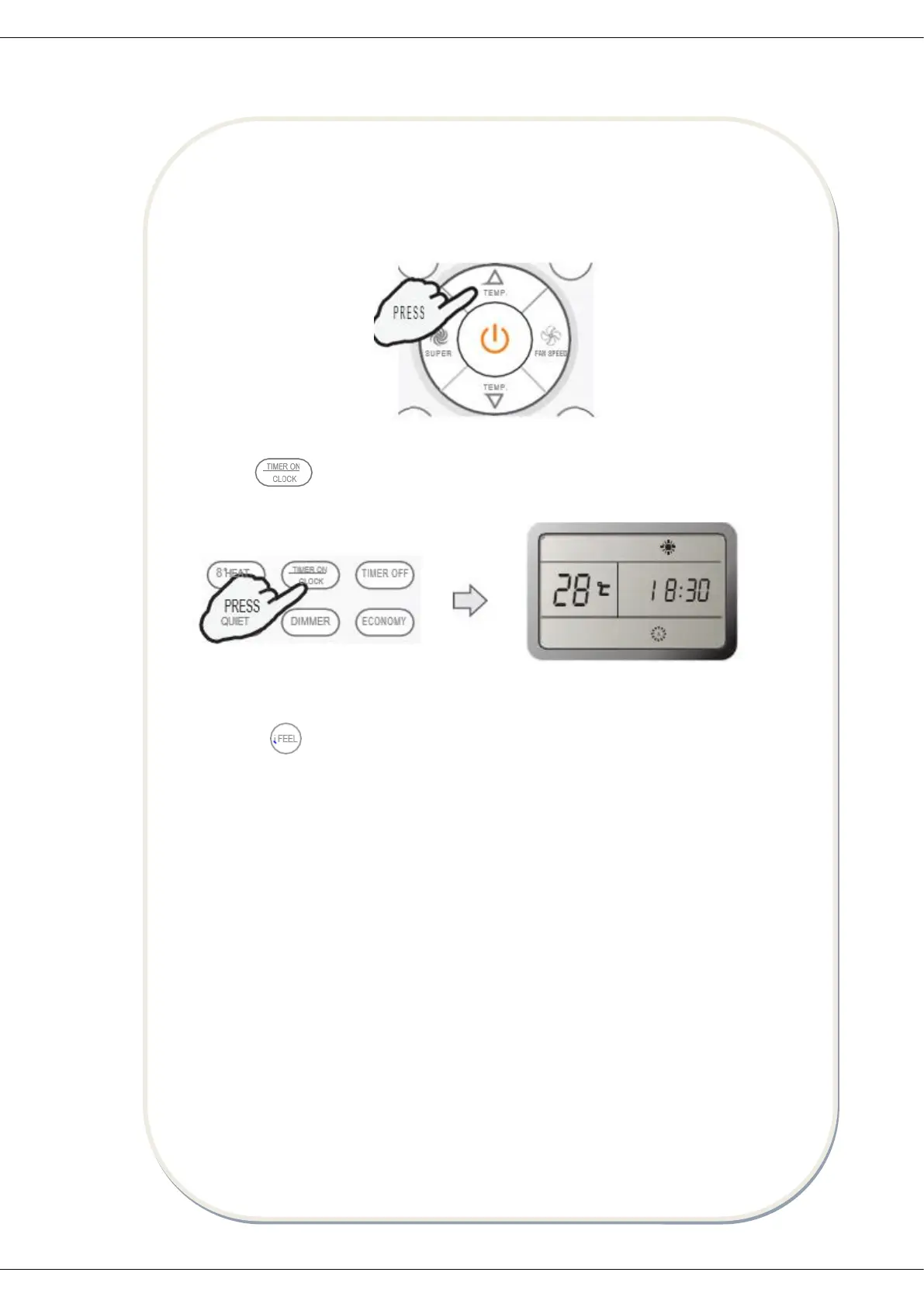
b. Press TEMP ˄ and TEMP ˅ buttons.
Result: Once to increase or decrease the time setting by 1 minute. One and a half
seconds to increase or decrease the time setting by 10 minute. For a longer time to
increase or decrease the time by 1 hour.
c. Press button again about 3 seconds.
Result: The real time is set.
15. IFEEL mode
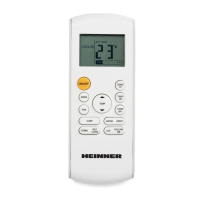
Press the button.
Result: the transmit signal in the display will appear and the IFEEL function will
be started.
Note: Advice to put the remote controller in place where the indoor unit
receive signal easily. Advice to cancel IFEEL mode so as to save energy when
stopping the air conditioner.
How to cancel IFEEL mode?
Press the button once again.
Result: The transmit signal in the display will disappear, and the IFEEL function
will be shut off.
16. DIMMER BUTTON
Press the “DIMMER” button to turn off the light and the display in the unit.
Note: when the light is off, receive signal will turn on the light again.


 To Next Page
 Loading...