25
en
Red / green slow ashing: No operating soft-
ware installed. Connect the signal processor
to the DSP PC-Tool software and conrm the
automatic update of the operating system. You
will nd the latest version of the DSP PC-Tool
software at www.audiotec-scher.com.
Red / green fast ashing: The currently se-
lected sound setup memory is empty. A new
setup has to be loaded via the DSP PC-Tool
software or switch to a memory position with
existing sound setup.
3. Control pushbutton
The DSP PRO MK3 provides 10 internal
memory locations for sound setups. The Con-
trol pushbutton allows the user to switch be-
tween two memory positions. These can be
dened in the DSP PC-Tool. In addition a de-
vice reset can be made by pressing the button
for a longer period.
1. Setup switch: Press Control pushbutton for
1 second. The memory locations one and two
are dened by default. Switching is indicated
by a single red ash of the Status LED. Al-
ternatively, the optional URC.3 remote control
can be used for switching. To switch between
all internal memory locations, optional acces-
sories like the DIRECTOR display remote
control or CONDUCTOR are required.
2. Device reset: Press pushbutton for ve
seconds. This completely erases the internal
memory and is indicated by a continuous red
glowing and constant green ashing of the
Status LED.
Attention: After erasing the setups from mem-
ory the DSP PRO MK3 will not reproduce any
audio output until the device is updated via the
DSP PC-Tool software.
4. Ground Lift switch
The signal ground of the HELIX
DSP PRO MK3 is galvanically decoupled
from the power ground. In many cars this set-
up is the best way to avoid alternator noise.
Nevertheless, there are use cases where it
will be necessary to directly connect input and
output ground or to tie both grounds together
via a resistor. Therefore the Ground lift switch
has three positions:
ISO: Input and output ground separated.
GND: Input and output ground tied together.
200Ω: Input and output ground connected via
200 Ohms resistor.
5. SCP (Smart Control Port)
This multi-functional input is designed for
HELIX DSP PRO MK3 accessory products
like a remote control which allows to adjust
several features of the signal processor. De-
pending on the type of remote control, at rst
its functionality has to be dened in the “ Device
Conguration Menu” of the DSP PC-Tool soft-
ware.
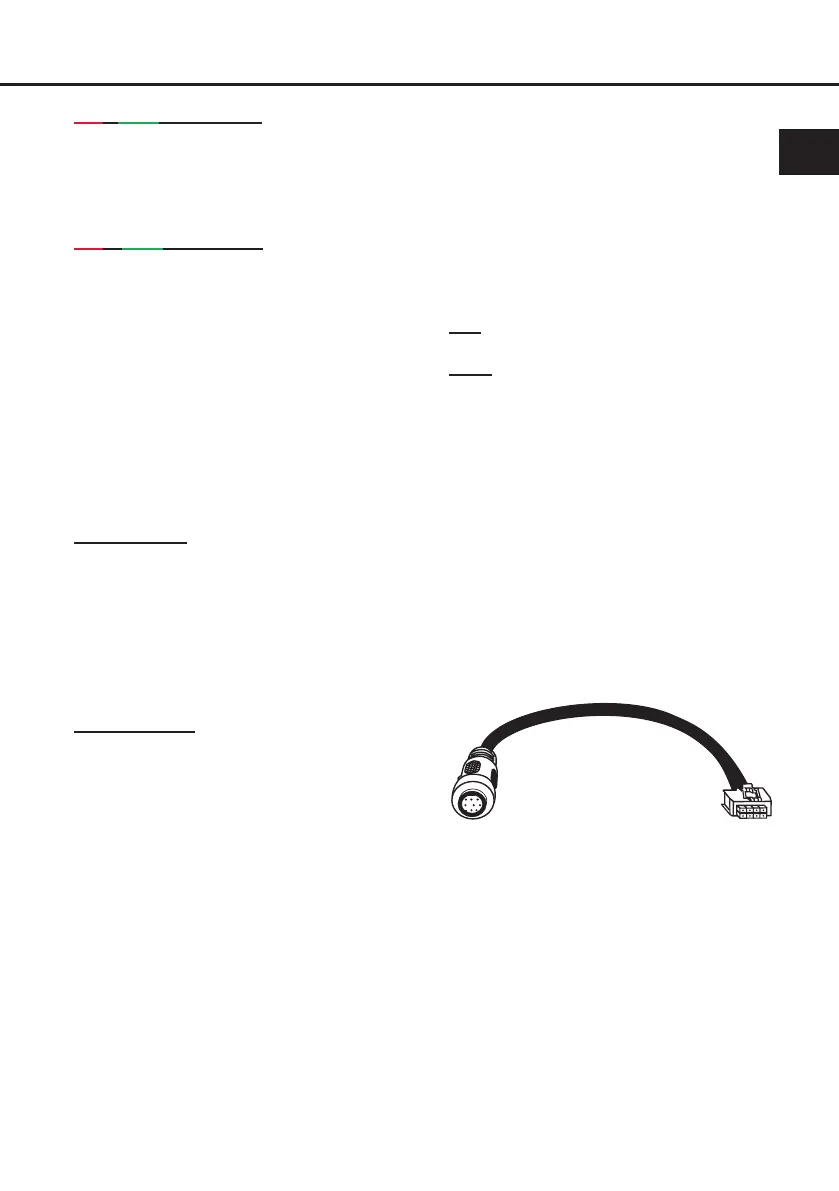
Attention: If the accessory product does
not have a NanoFit connector solely use the
NanoFit adaptor which is included in delivery
for connection.
NanoFit adaptor


 To Next Page