Turn the main power switch ON, then press “power” to turn the control panel ON, the display will show current
temperature.
The heater is working at low power heating modes.
Mode
Press “mode” to select between low , or high heating level.
Temperature
Press button to select the desired temperature from a range of 5° to 40°C.
Timer
The timer button can be set to start or stop the appliance at the desired time, with a time interval between 1 hour
and 24 hours. (Set timer to “00” to turn timer off)
Operating sound
The appliance emits a beep upon each operation setting.
RESET
Long press for 5 seconds, until you hear “beep” sound, then all functions are reset.
CONNECTION BY WIFI
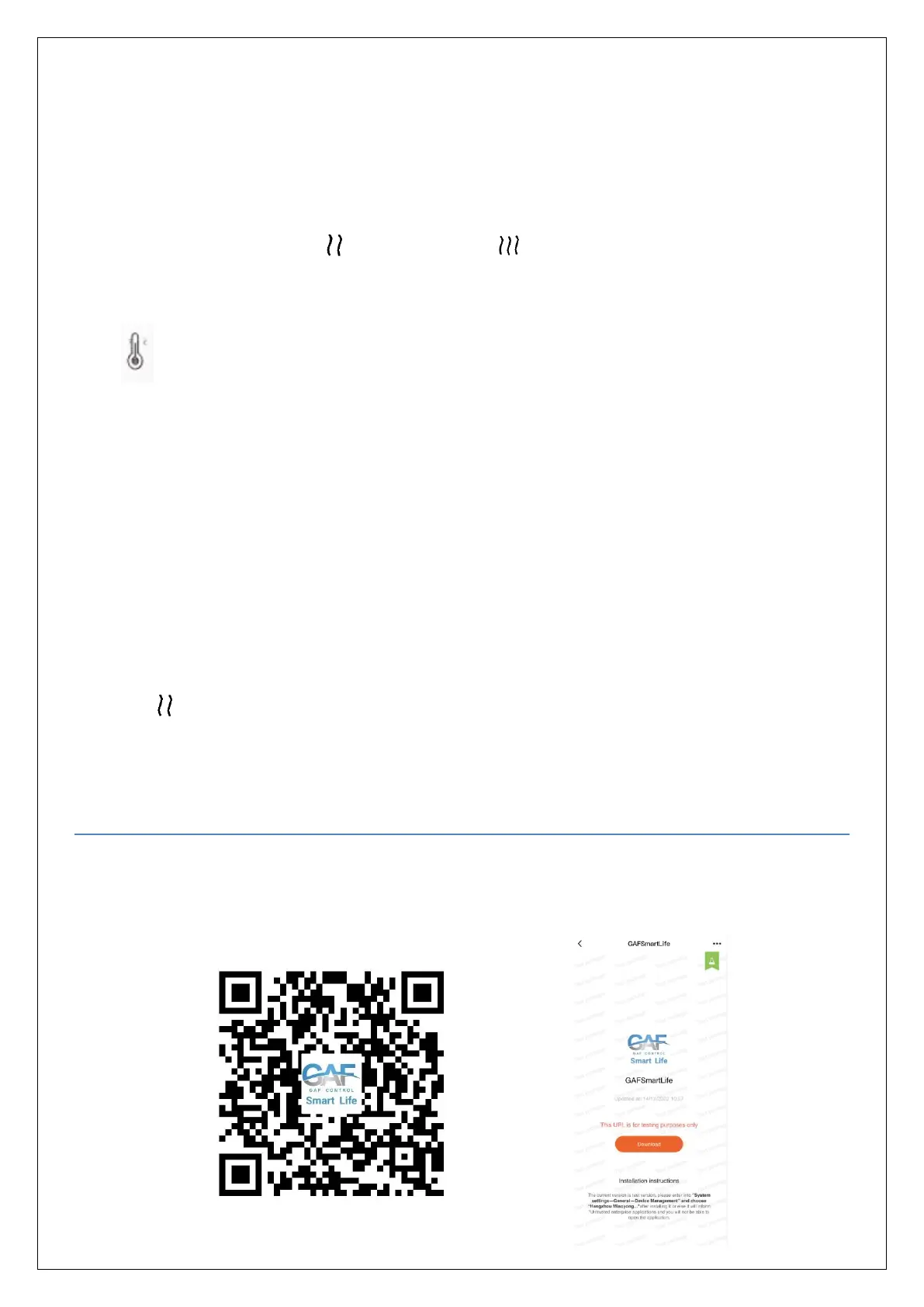
1. Use your mobile phone to scan the QR code below or search “GAFSmartLife” from the Google play or Apple
Stores. Proceed to download and install the application GAFSmartLife.


 To Next Page