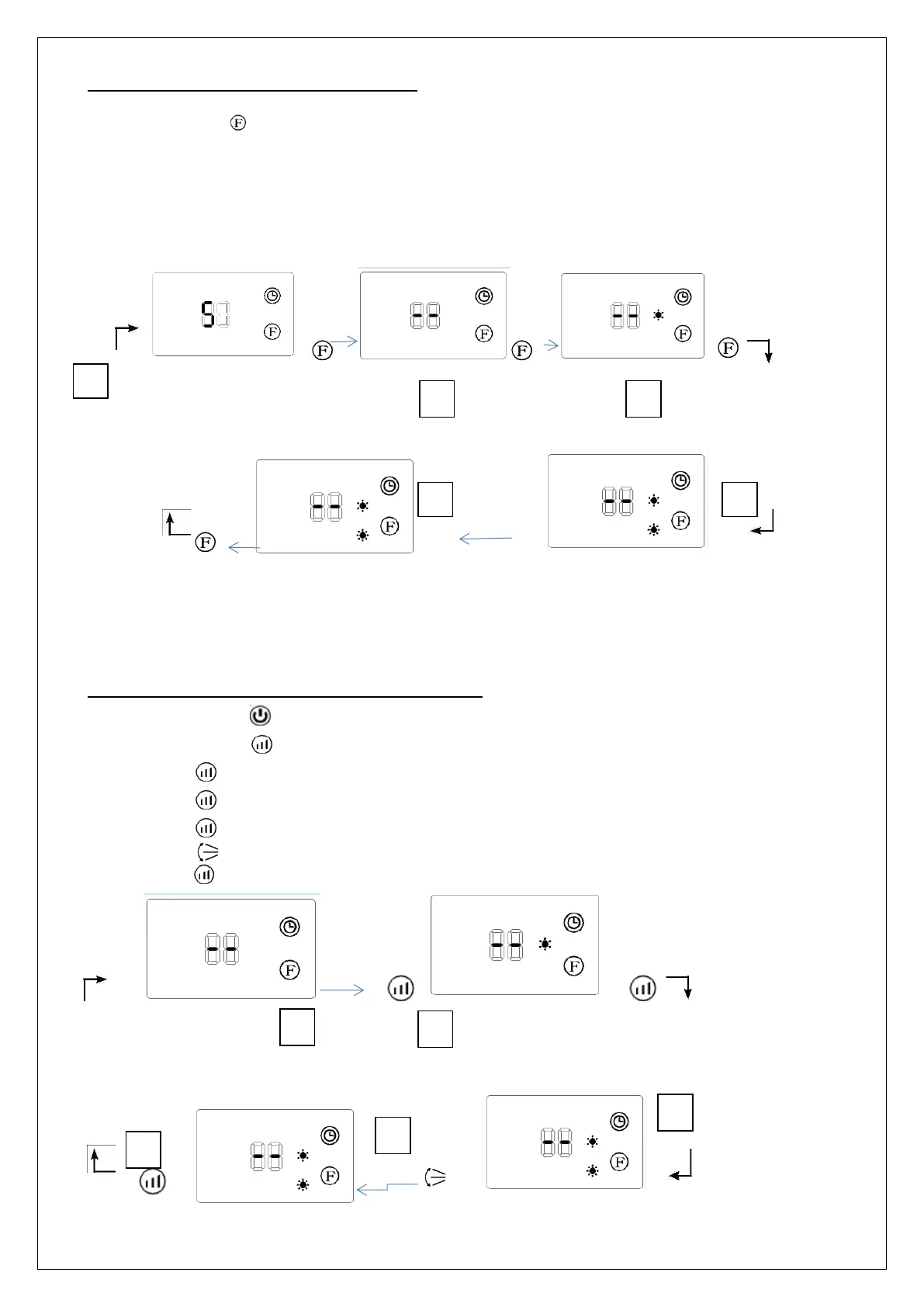
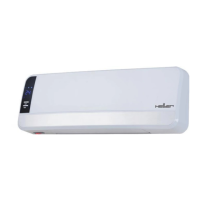
FAN AND HEATING (BY CONTROL PANEL)
Step 1: Press the button to select one of the following mode
Touch the One Times the fan working without heating.
Touch the two times the fan+ Heating working on Half power. ( 1000W)
Touch the three times the fan+ Heating working on Full power. ( 2000W)
Touch the four times the fan+ swing+ Heating working on Full power. ( 2000W)
Touch the Five times Stops by going into standby (the fan stops 30 seconds
after the stand-by)
•
Stops by going into standby Fan without Heating Heating on half power
(the fan stops 30 seconds
after the stand-by).
Heating on full power with swing Heating on full power
The default setting temperature is 23°C when the light °C is off.
FAN AND HEATING (ONLY BY REMOTE CONTROL)
• Step 1: Press to switch on the appliance.
• Step 2: Press to select one of the following modes :
Press one times the fan working without heating.
Press Two times the fan+ Heating working on Half power. ( 1000W)
Press Three times the fan+ Heating working on Full power. ( 2000W)
Press One times the fan+ swing+ Heating working on Full power. ( 2000W), Continue to
press to Keep looping in the previous order.
Fan without Heating Heating on half power
Heating on full power with swing Heating on full power



 To Next Page