OPERATING INSTRUCTIONS TREND SERIES
COMPUTER INTERFACE AND FILTER CARD WIRING
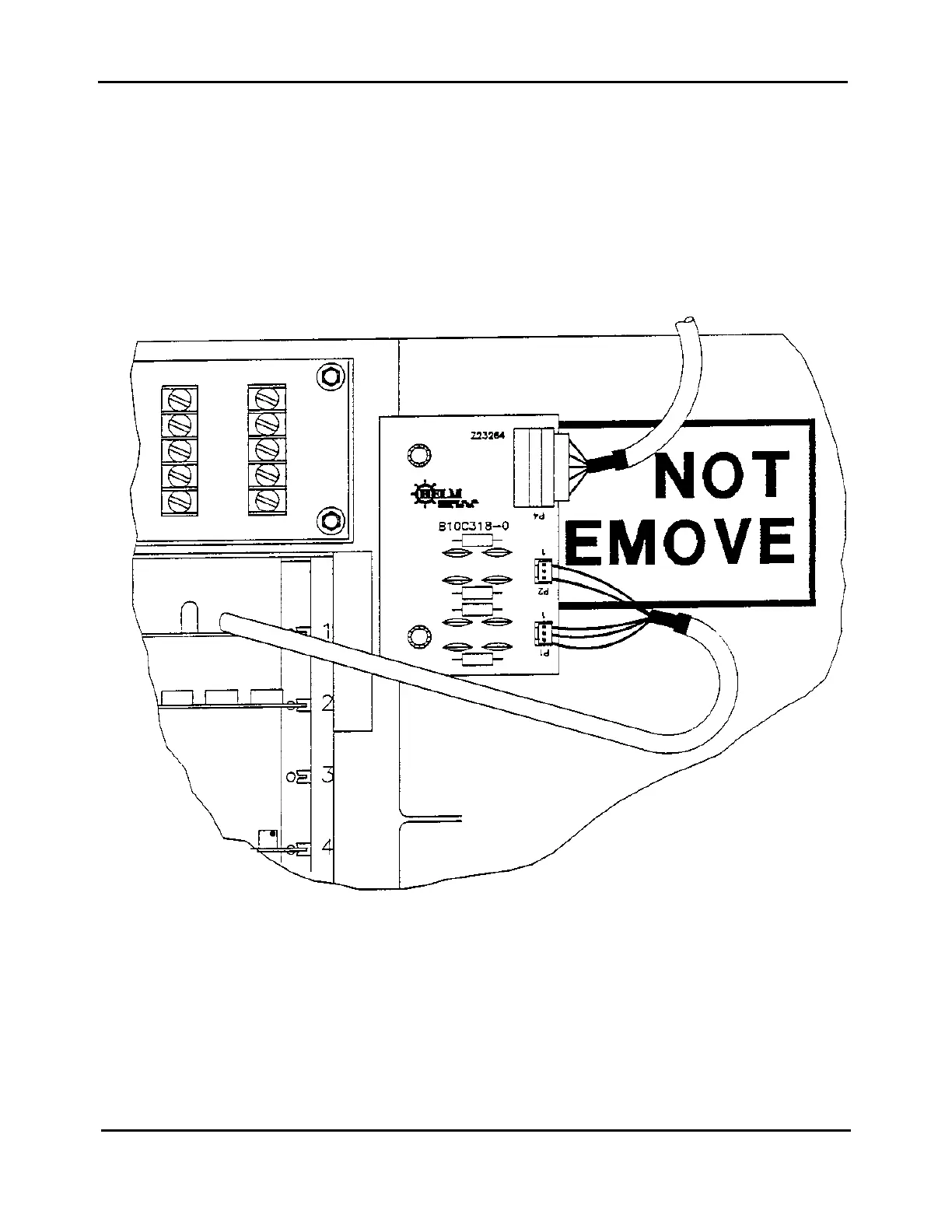
The computer interface card Model EIC plugs into Slot #1 of the card rack.
Mount the filter board on the inside panel marked “DO NOT REMOVE”. Use existing thumbwheel screws on
left side of panel. Remove the top two screws and attach filter board on top of panel as shown below.
Route computer cable into instrument enclosure through hole marked “For Interface Cables” and wire
connector P4 on filter card per wiring diagram on following page.
E



 To Next Page