Helvar 435 BACnet Gateway: User Guide
9
Remember: When you reboot the unit, the connection to it stops. To ensure that the browser shows
the latest data, clear the browser cache (Ctrl+Shift+Del and the top four options
enabled as a minimum) before login.
2.3.2. Configure the comms settings
The comms settings allow you to configure the unit as a gateway from the Helvar routers using
the Helvar proprietary communications protocol to the BACnet/IP network.
1. Press , and then select Comms settings to define the network connection details required
for receiving and transmitting data between the Helvar routers and the BACnet/IP supervisor
on the BACnet/IP network.
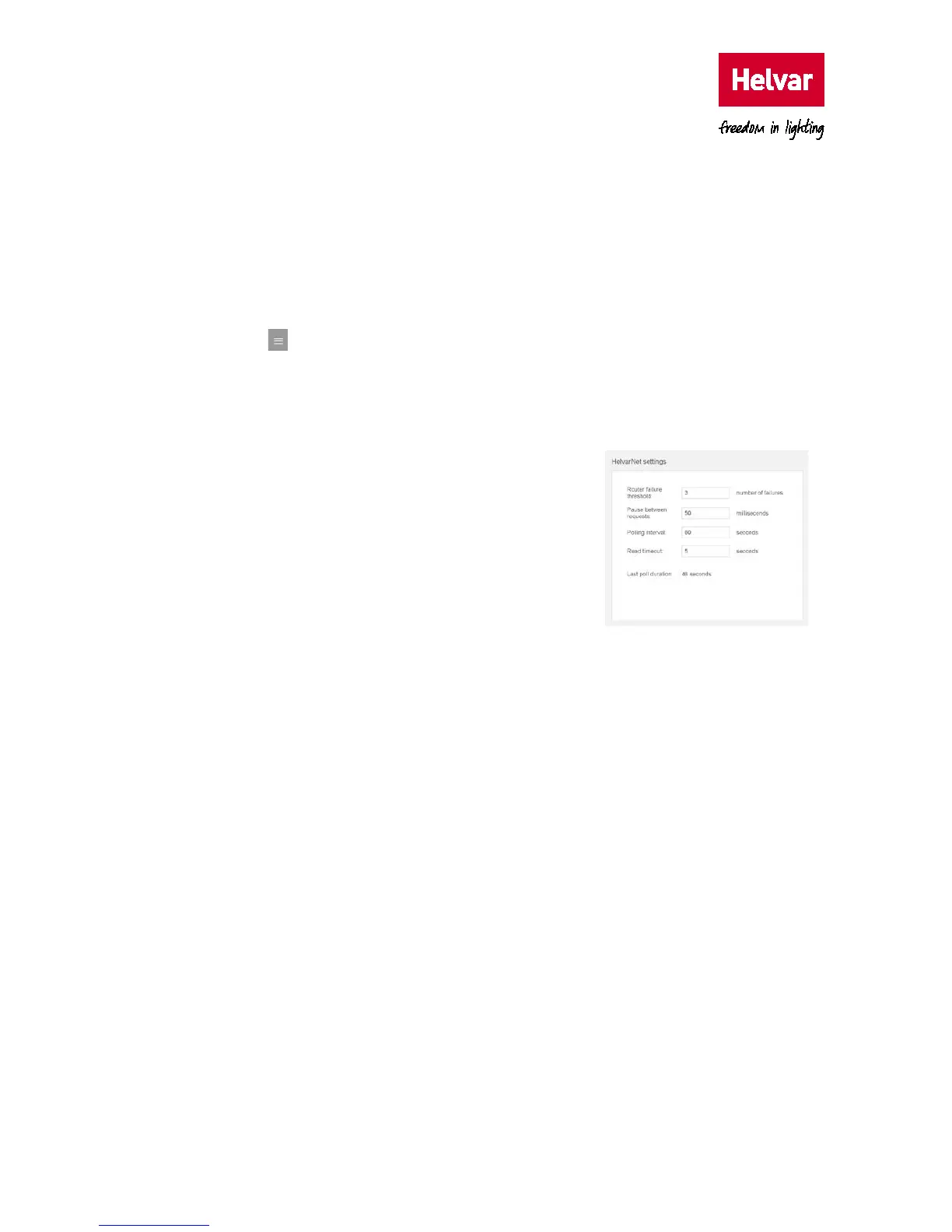
2. Configure the HelvarNet settings. These parameters define the connection details for
communicating with the Helvar routers. Do not
modify the default values unless specifically
instructed to do so.
o Router failure threshold.
Default: 3; range: 1–10 message failures.
This value defines the number of consecutive
failed requests from a Helvar router, and
determines when a ‘Router failure’ state is
indicated.
o Pause between requests.
Default: 50; range: 1 ms – 2000 ms
This value defines the delay between sending a data request to one Helvar router and the
next Helvar router.
o Polling interval.
Default: 60; range: 10 s – 1800 s
This value defines when the next data request cycle with the configured Helvar routers is
attempted; for example, every 60 seconds.
Caution: This value must be greater than the ‘Last poll duration’ value. Otherwise, ‘Router
failure’ BACnet Objects may be asserted.
o Read timeout.
Default: 5; range: 2 s – 10 s
This value defines the number of seconds that the device must wait for a response from a
Helvar router. After this period has elapsed, the device proceeds to the next configured
Helvar router. When a Helvar router fails to respond to the number of consecutive
requests set in the
Router failure threshold text box, a ‘Router failure’ state is indicated.



 To Next Page