14
Controlling actions
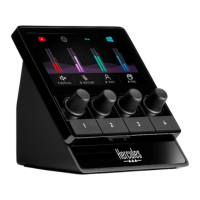
Action icon (display): lets you add a visual cue for
the action assigned to the corresponding action button.
− Icon: by default, the icon is grayed out when the
action is running.
If you use a custom icon, the OFF status icon is
displayed when the action is executed. To find out
how to define an ON status icon and an OFF status
icon, refer to the Custom icon section.
− Name: lets you name the assigned action. The text
is grayed out when the action is running.


 To Next Page
 Loading...