11
Controlling tracks
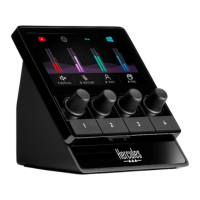
Page (display): Hercules Stream 100 has two display
pages, each of which lets you view four tracks and four
actions in the dedicated area.
To switch from one page to the other, the
action must be assigned to an action button. For more
information, please see the Actions section.
Track (display): one or more audio sources can be
assigned to a track. An encoder is associated with each
track, allowing you to control that particular track.
Hercules Stream 100 has eight tracks, split up into two
pages.


 To Next Page
 Loading...