27
OBS
OBS is a video recording and streaming app for
managing multiple media sources via a system of
scenes.
Managing audio volume levels in OBS:
− : controls the general volume of the
OBS app. Drag and drop the label into a yellow-lit
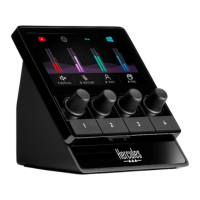
area on the image of Hercules Stream 100.
− : controls a specific track from the OBS app.
Two labels are displayed:
o : lets you control the volume. Drag
and drop the label into a yellow-lit
area on the image of Hercules Stream 100.
You can adjust the volume using the
encoder corresponding to that track.
o : lets you mute the sound. Drag and
drop the label into a blue-lit area on
the image of Hercules Stream 100. You
can mute the sound using the action button
corresponding to that track.


 To Next Page
 Loading...