28
Actions in OBS:
Assigning an action
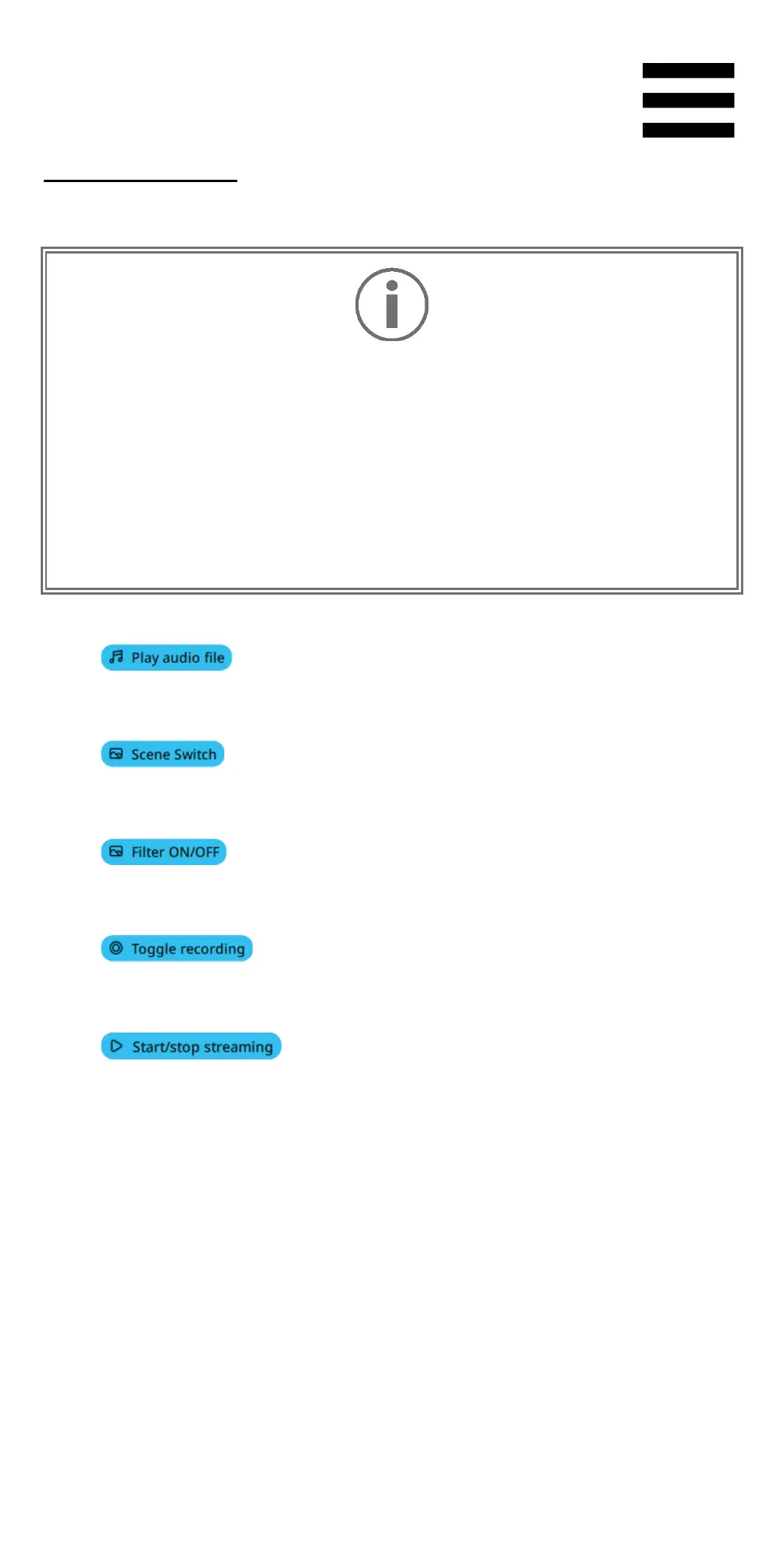
Drag and drop a blue label into a blue-lit area
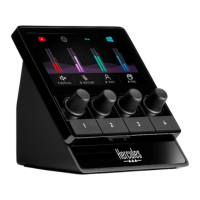
image of Hercules Stream 100. You
action using the action button corresponding to
track.
− : lets you select an audio file from an
OBS scene, and play it.
− : lets you select a scene previously
created in the OBS app, and launch it.
− : lets you select a filter to be associated
with an OBS source, and enable it.
− : lets you start and stop recording of the
audio/video stream via the OBS app.
− : lets you start and stop livestreaming
via the OBS app.


 To Next Page
 Loading...