16
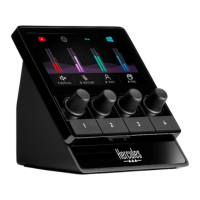
Connection port and brightness button
USB connector: lets you connect Hercules
Stream 100 to a computer using the USB-A – USB-C
power cable.
Brightness adjustment button:
− Short press: increases the brightness of the screen.
If the light intensity is set to maximum, a short press
returns the light intensity to minimum.
− Long press: puts the screen to sleep, without
switching off the audio functions.


 To Next Page
 Loading...