BASIC TINTWISE® OPERATIONS (Cont.)
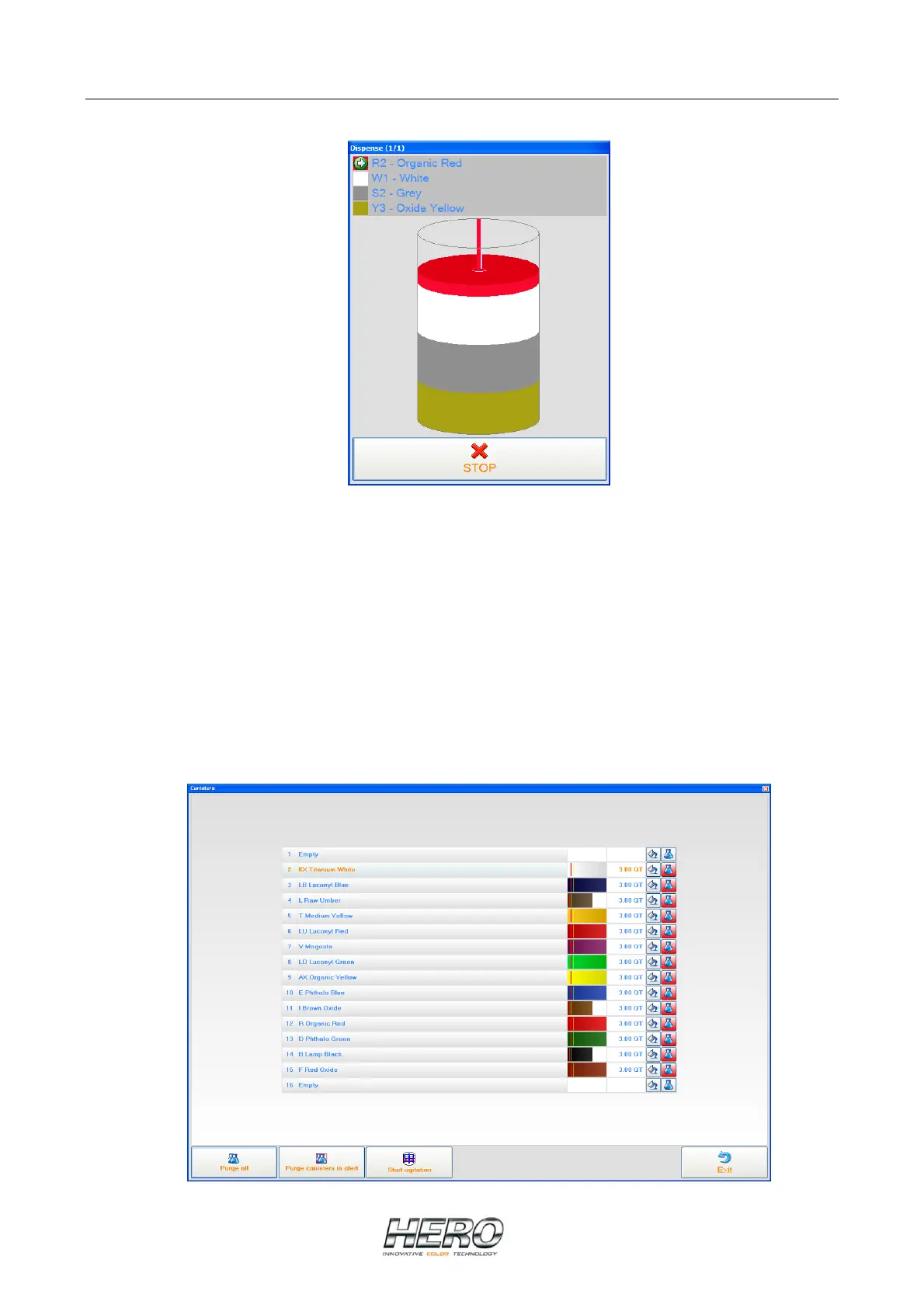
Once dispensing has started, a graphical representation of the tint being dispensed will appear
on the screen as shown above. It will show what colorant is currently being dispensed and how
much more is needed to complete the requested formula.
If at anytime you want to abort the dispensing process, click on the STOP button.
Canister Screen


 To Next Page