BASIC TINTWISE® OPERATIONS (Cont.)
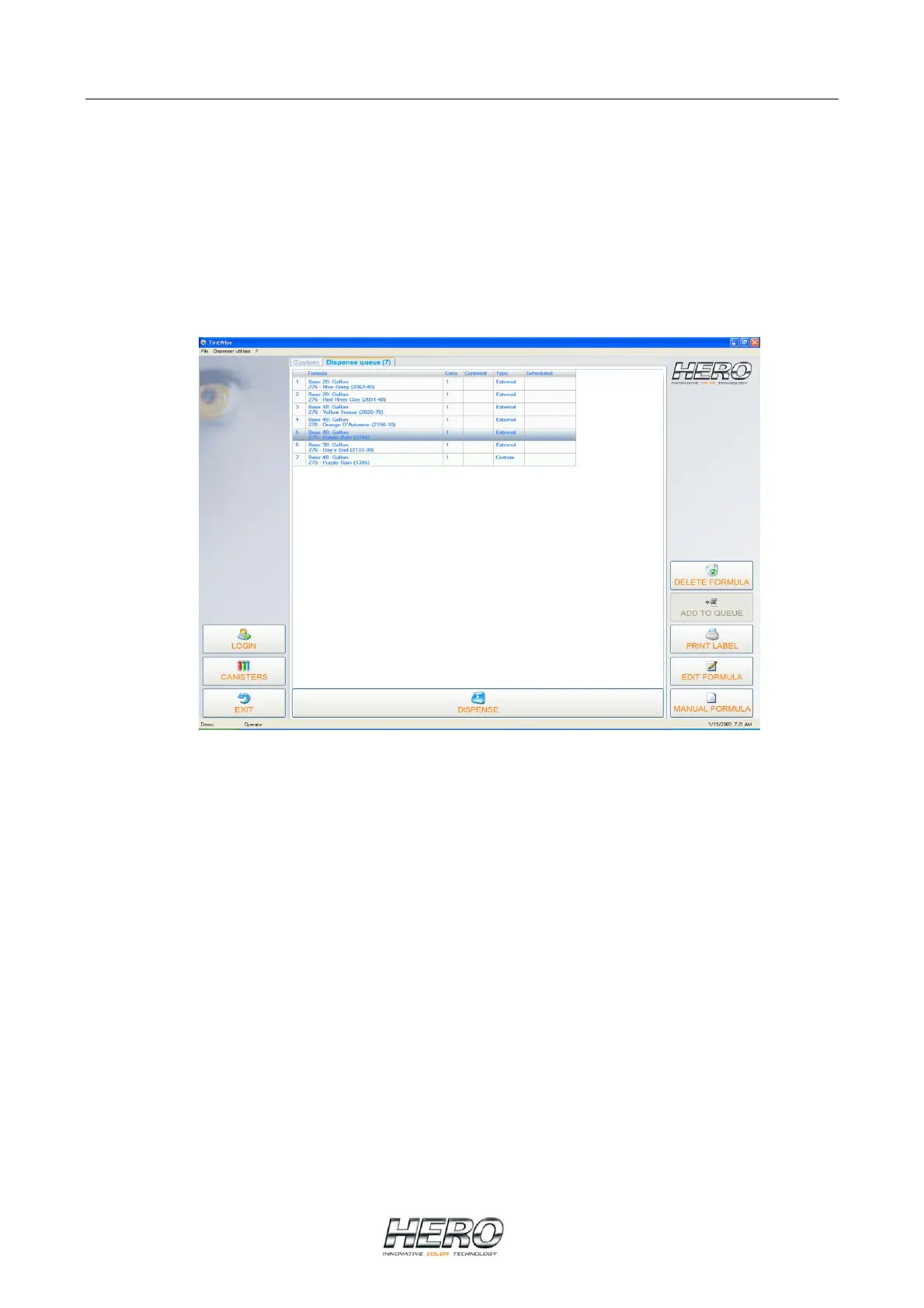
Dispense Queue Screen
If the queue system is enabled you can access this screen by clicking on the dispense queue tab
(next to the Custom and/or Standard tabs) from the Main Dispense Screen.
The queue screen will show all the formulas sent to TintWise® from your database software. At
this point you can dispense the formula from the list by clicking on it and then selecting the
dispense button. You can also double click on it and it will bring you back to the Main Dispense
Screen, showing the formula ready to be dispensed.
Once the formula has been dispensed it will be removed automatically from the queue.


 To Next Page