Herrtronic
®
MD Series
Installation, Operation, & Maintenance Manual
13
www.herrmidifier-hvac.com
IV. OPERATING INSTRUCTIONS
Your unit has been pre-set for 1 of 3 control modes:
1. On/Off
2. Proportional
3. Proportional and Integral
With each control mode, there is a specic set of operating parameters and setpoints that apply. All of the setpoints have been preset
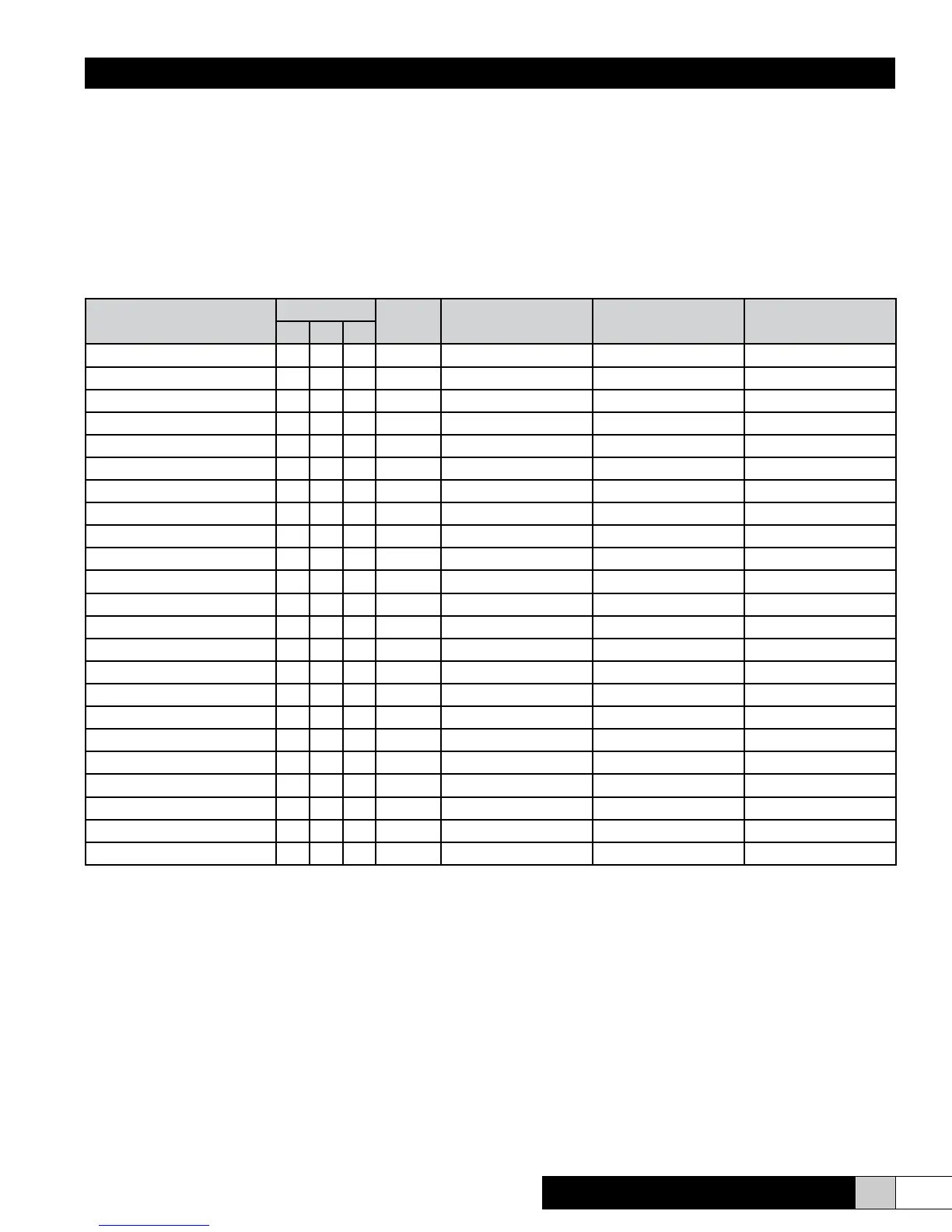
at the factory to simplify the start-up procedure. The following table identies the parameters, setpoints and preset values that apply
to each mode. Below the table is a more detailed description of the setpoint parameters. All setpoints have pre-set default values to
simplify programming. Instructions for adjustment follow.
Setpoint Parameters
Control Mode
Menu to
Adjust
Adjust Setpoint Range
MDM
Preset Values
MDS/MDD
Preset Values
1 2 3
Control Setpoint X 2 20-98% 35% 35%
Limit Setpoint (Note 3) X X 2 20-99% 75% 75%
High Humidity Alarm X 2 20-100% 99% 99%
Low Humidity Alarm X 2 10-98% 10% 10%
Capacity Setpoint X X X 2 10-100% 100% 100%
Auto Drain X X X 2 0-99 Days 7 Days 7 Days
Low Drain Threshold X X X 2 50-100% 85% 80%
Steam Output Rating X X X 3 0-999 lbs/hr. 5-30 lbs/hr. 10-100 lbs/hr.
Electrode Current Rating X X X 3 0-999 Amps As required As required
High Drain Threshold X X X 3 100-120% 110% 110%
Cycle Time X X X 3 30-300 Sec. 75 /(90) See note 1 130 /(150) See note 2
Proportioning Band X 3 +/- 2 to 15% +/- 10% +/- 10%
Integration Period X 3 0-60 Min. 30 Min. 30 Min.
Throttling Range (Note 3) X X 3 0-25% 10% 10%
Unit Address X X X 3 0-99 01 01 MDS (00, 01 MDD)
Low Drain Limit X X X 3 25-75% 50% 50%
Manual Drain X X X 5 Active/Inactive Active Active
Leakage Protection X X X 5 On/Off Off Off
End of Cyl. Life Setpoint X X X 5 1-500 hrs. 6 hrs. 6hrs.
Electrode Run Time X X X 5 0-999,999 hrs. 0 0
Limit Input (Note 3) X X 5 Enable / Disable Enable Enable
Control Input X X X 5 Enable / Disable Enable Enable
Drain Tempering X X X 5 Active/Inactive Inactive Inactive
Notes:
1. On units where voltage is 380 VAC or greater, the cycle time is 75 seconds. On units where voltage is 240 VAC or less, the cycle time is 90 seconds.
2. On units where voltage is 380 VAC or greater, the cycle time is 130 seconds. On units where voltage is 240 VAC or less, the cycle time is 150 seconds.
3. If a unit is ordered with the modulating high limit, the Limit Input will be ENABLED. If an “On/Off” type or no high limit is used, the Limit Input and Throttling Range
screens will have been eliminated.
Parameter Denitions: All Control Modes
• Output Rating - Unit design capacity (lbs/hr).
• Electrode Rating - Current rating that corresponds to unit design capacity.
• Capacity Rating - Output capacity as a % of the output rating.
• Low Drain Threshold - Minimum output capacity % that initiates a drain cycle.
• High Drain Threshold - Maximum output capacity % that initiates a drain cycle.
• Auto Drain - Time in days between system shutdown and cylinder drain.
• Manual Drain - Operator activated cylinder drain
• Drain Tempering - Allows mixing of cool inlet water with drain water for tempering
• Cycle Time - Time in seconds between ll cycles.
• Unit Address -In network installation; “master unit” is “00”, slaves “01” to “99”.
• Leakage Protection - Electrically disconnect electrodes during drain cycle.
• Electrode Run Time - Hours of cylinder operation.
• Control Input - Space condition humidity input device.
• End of CYL Life Setpoint - Unit has not achieved desired output within specied
time.
Specic Control Modes (See Chart)
• Control Setpoint - Desired % RH
• Limit Input - Modulating high limit from a controller or sensor
• Limit Setpoint - Maximum allowable % RH limit
• Low Humidity Alarm - Indication of control humidity level below alarm setpoint.
• High Humidity Alarm - Indication of control humidity level exceeding alarm set-
point.
• Proportioning Band - Humidity span around control setpoint where modulation
occurs.
• Integration Period - Length of time period for %RH evaluation and adjustment.
• Throttling Range - Humidity range below limit setpoint where modulation occurs.
All setpoints have pre-set default values to simplify programming -Instructions for
adjustment follow.


 To Next Page