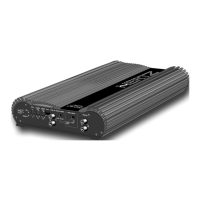
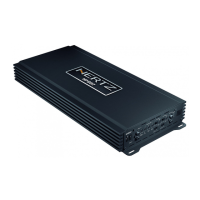
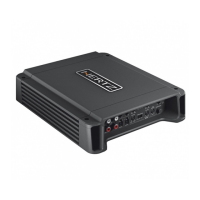
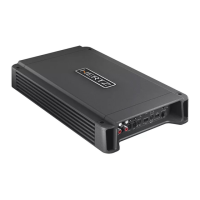
9
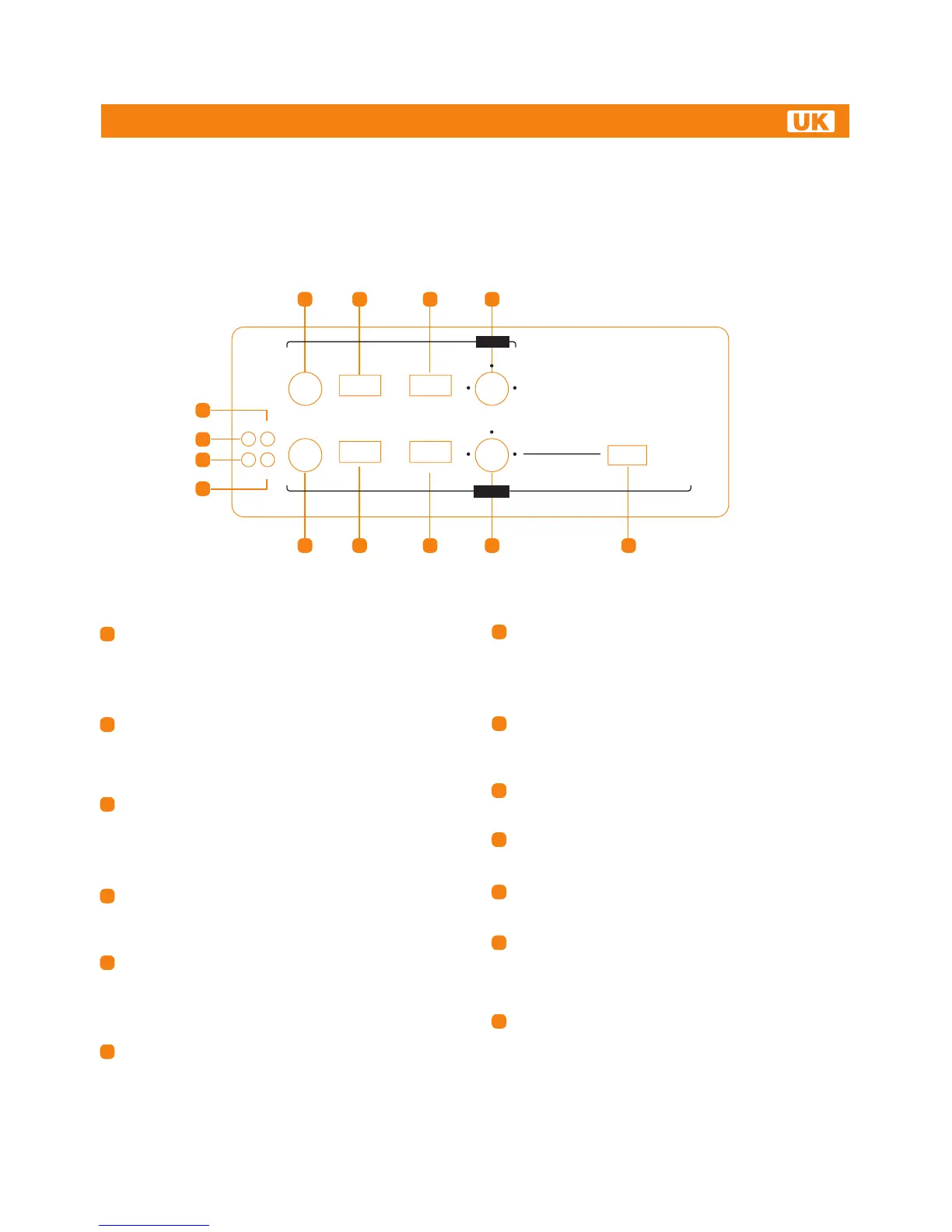
TOP PANEL CONTROLS: SWITCHES AND ADJUSTMENT CONTROLS
B CH LEVELS (0.3 ÷ 5V): B channels input sensitivity
adjustment control. Set to 1 position. Use a CD as source,
increase head unit volume until output distorts, then decrease
volume by 1 step in order to eliminate distortion.
Turn LEVELS up until sound becomes distorted, then turn
LEVELS down a bit for optimum sound.
PASS MODE (HI - FULL - LO): B channels filter switch.
Select FULL to drive full range power outputs. The full frequency
bandwidth will be output to power output connectors.
Select HI for Hi-pass to drive a MIDRANGE / TWEETER.
Select LO for Lo-pass to drive a SUB / WOOFER / MIDRANGE.
MODE (ST - MO(R): Select ST to set B channels to stereo
mode. Left and Right input signals drive Left and Right power
outputs. Select MO(R) for mono (bridge) operation. With this
setup the Right input channel drives BR and BL power output,
so connect loudspeaker to BL- and BR+ for proper bridge
connection.
XOVER (80 Hz ÷ 3.3 kHz): B channels crossover point
adjustment. Rotating the knob you can select any frequencies
between 80 Hz and 3.3 kHz. The frequencies above crossover
point will be attenuated at 12dB/Oct.
A CH LEVELS (0.3 ÷ 5V): A channels input sensitivity
adjustment control. Set to 1 position. Use a CD as source,
increase head unit volume until output distorts, then decrease
volume by 1 step in order to eliminate distortion. Turn LEVELS
up until sound becomes distorted, then turn LEVELS down
a bit for optimum sound.
PASS MODE (HI - FULL - LO): A channels filter switch.
Select FULL to drive full range power outputs.
The full frequencies bandwidth will be output to power output
connectors. Select HI for Hi-pass to drive a MIDRANGE /
TWEETER. Select LO for Lo-pass to drive a SUB / WOOFER /
MIDRANGE.
MODE (ST - MO(R): Select ST to set A channels to stereo
mode. Left and Right input signals drive Left and Right power
outputs. Select MO(R) for mono (bridge) operation. With this
setup the Right input channel drives AR and AL power output,
so connect loudspeaker to AL- and AR+ for proper bridge
connection.
XOVER (50 Hz ÷ 500 Hz): A channels crossover point
adjustment. Rotating the knob you can select any frequency
between 50 Hz and 500 Hz. The frequencies over crossover
point will be attenuated at 12dB/Oct.
MULTIPLIER (x1 - x10): Select X1 for normal frequency range
(50 Hz - 500 Hz) of A channel filter (Hi-pass or Lo-pass).
Select X10 for crossover point multiplied by 10 (500 Hz - 5 kHz).
ON: Power LED. It lights up when you turn on the amplifier. If
all LEDs (10) (11) (12) (13) turn on at the same time, the amplifier
will shut down and you will have to contact a service centre.
TH: Thermal status LED. It lights up when thermal protection
is active, above 85°C. The amplifier shuts down until the chassis
temperature goes below 75°C.
OVL: Overload status LED. It lights up when overload
occurs on the power output terminals. The amplifier goes in
muting for 3 seconds and this LED starts flashing until you turn
off the amplifier.
REMOVE THE CAUSE OF OVERLOAD.
SPK: Speaker status LED. It lights up when a speaker touches
the car body. The amplifier goes in muting for 3 seconds and
this LED starts flashing until you turn off the amplifier.
REMOVE THE CONTACT BETWEEN SPEAKER WIRE AND
CAR BODY.
1
2
3
4
5
6
7
8
5
6
9
10
11
12
13
7 8 9
12
10
11
13
1 3
42
HI FULL LO ST MO (R)
ON OVL
TH SPK
B - ch
1
3 4
2 5
max
LEVELS PASS MODE MODE
HI FULL LO ST MO (R)
LEVELS PASS MODE MODE
X1 X10
MULTIPLIER
XOVER
1
3 4
2 5
max
80 3.3k
160 800
XOVER
50 500
100 250
A - ch
HDP4
HDP 4
Advanced Web Manual


 To Next Page