Replacing Consumables (Cont’d)
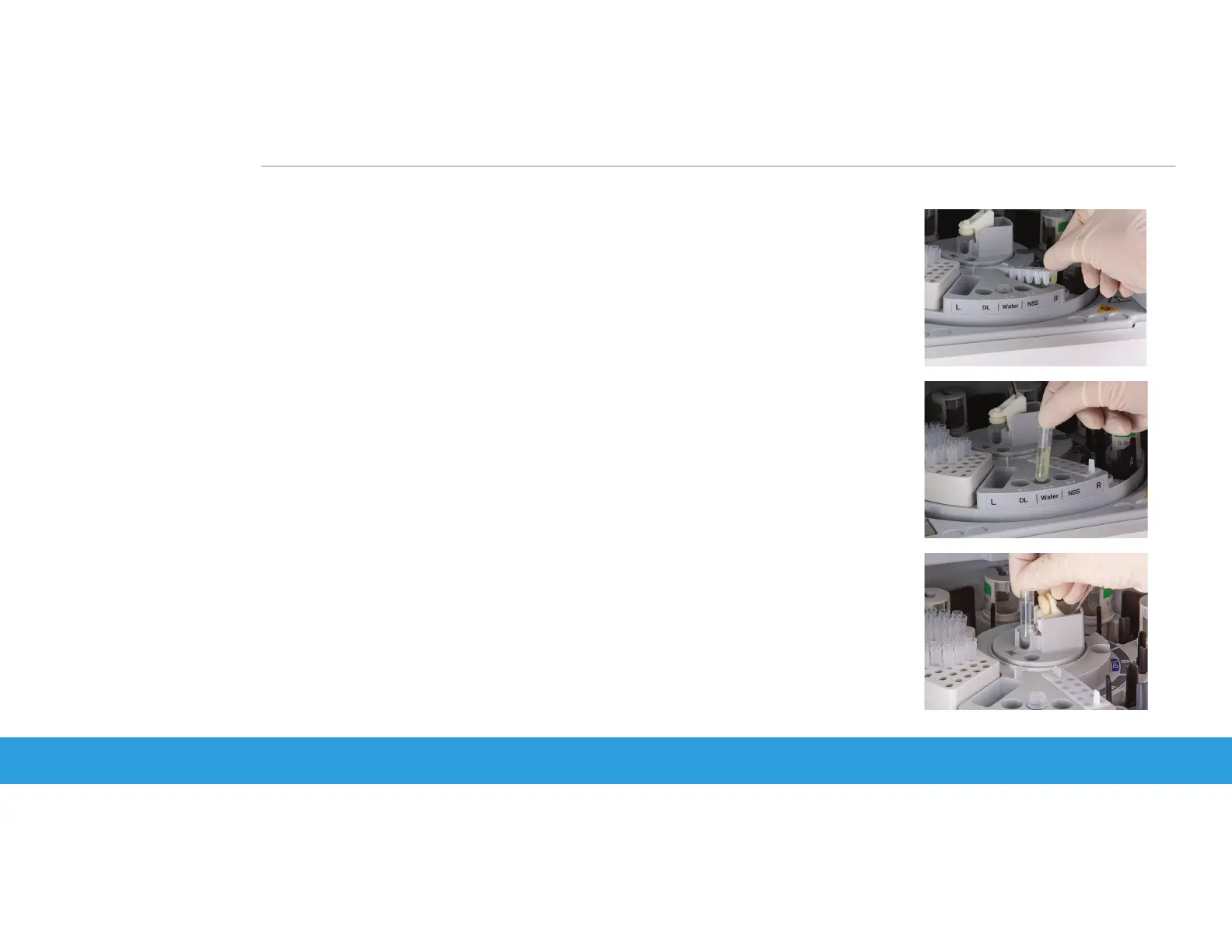
Replacing Mixing Cups
1. Touch the mixing cup image to turn sample carousel.
2. Remove used mixing cups from carousel and replace with new mixing cups.
3. Touch RESET under the mixing cups that were replaced to reset the quantity. Touch FINISH.
Replacing Diluent
1. Put 1.5-ml of distilled water into a 1.5-ml Red Top non-heparinized sample tube.
2. Touch the diluent image (test tubes) to turn the sample carousel.
3. Place diluent tube in appropriate location (D2) labeled “Water”.
4. Touch FINISH to return carousel to its normal position.
Replacing Reference Fluid
Pipette Reference Fluid into a 0.5-ml or 1.5-ml Red Top non-heparinized sample tube depending
on the reference fluid setting. Set the tube in the center of the carousel.
IMPORTANT: Replace RE fluid after 12 hours.
qs
quick steps guide
Supplies
Element DC5X
Veterinary Chemistry Analyzer



 To Next Page