Running Samples
Running Auto-Dilution Samples
Example: To rerun Sample C with 5 times dilution:
1. Replace slides in slide cartridge C and place slide cartridge in position.
2. On test results screen, touch (Rerun)
.
3. Touch position C.
4. Touch DILUTION and select dilution factor.
5. Touch OK to accept.
6. Touch START to begin testing.
Running STAT Samples
Use this feature to prioritize a critical sample if more than one sample is already in progress.
Example: running STAT sample in position D.
1. Touch STAT. LCD screen shows [Please wait a moment].
2. Open cover and place slides and slide weight in position D.
3. Touch position D and input appropriate patient ID and species. Touch OK.
4. Screen will display [Spotting is suspended]. Touch RESTART to begin testing.
NOTE: Original sample that was interrupted will finish first. STAT sample will be processed next, followed by any remaining programmed samples.
Interrupting Samples
Touch PAUSE once to interrupt sampling. Touch STOP while sample is paused to cancel the paused test.
NOTE: Do not open waste disposal drawer during sample processing.
qs
quick steps guide
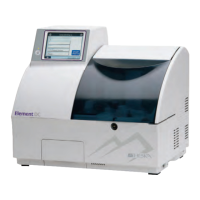
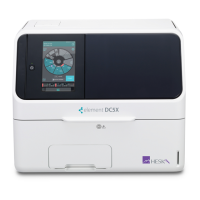
Element DC5X
Veterinary Chemistry Analyzer


 To Next Page