3 / 23
I. Getting Started
1. Wearing your Hesvit S3
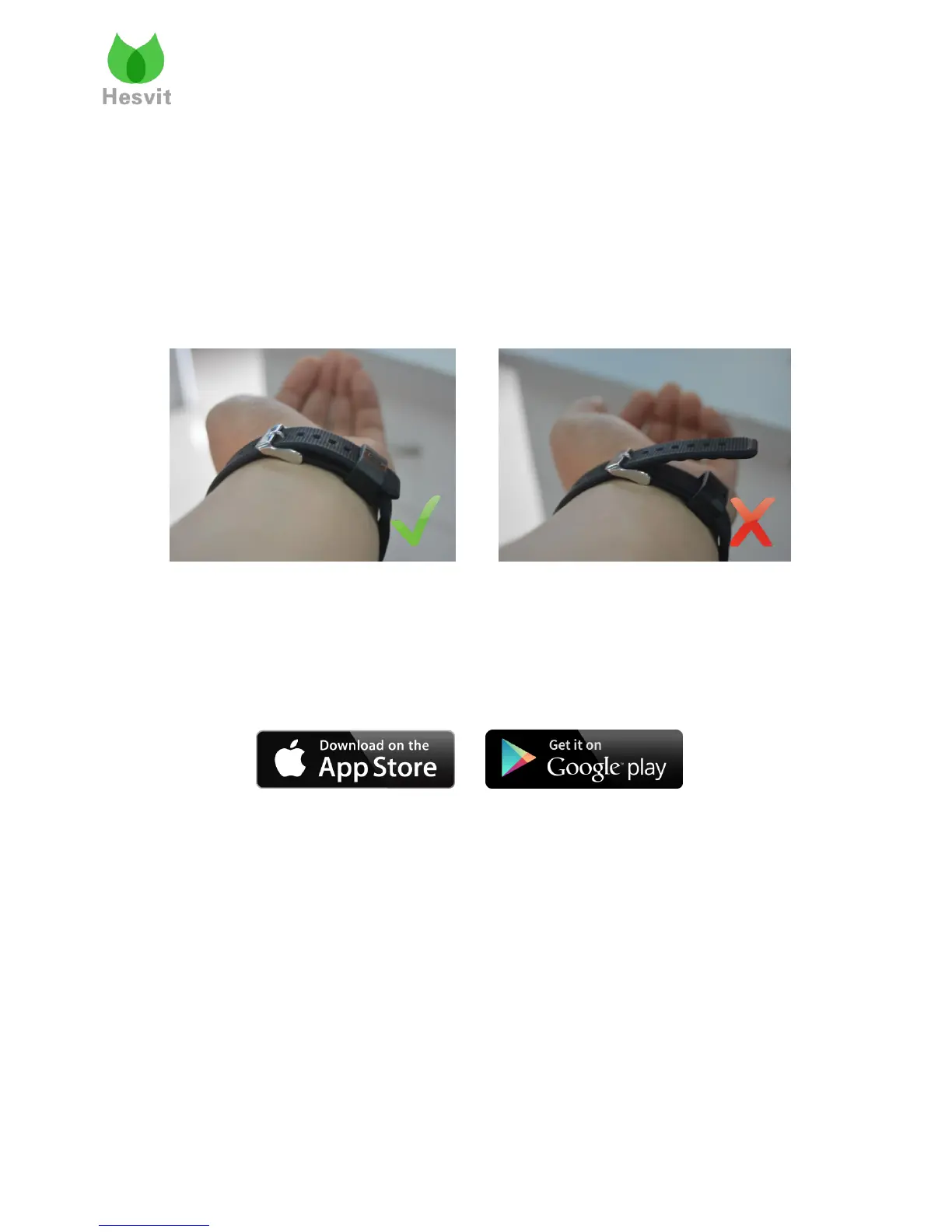
Get your Hesvit S3 out from the package, untie the wristband, and then put on the wristband
so the LED display is closest to the outside of your wrist and facing you.
Adjust the space between the Hesvit S3 and your wrist skin to make it comfortable then
fasten the metal buckle and insert the rest part of wristband into the rubber ring.
If any problem during the wearing occurs, please remove the Hesvit S3 from your wrist and
try to fasten the metal buckle. Then try it again on your wrist.
2. Downloading APP
Phone system version requirements: Android system 4.4 or above, iOS system 7.0 or above.
Available on:
3. APP installation
After downloading the APP and follow the instructions on the screen to complete the
installation.
If you missed the APP installation, please find the "Hesvit S3.apk" in the default path:
Local -> SD Card -> download , and click it to finish the installation.
Note:
When you first open Hesvit APP, you may be rejected due to your device security settings.
Please adjust your device security settings to resolve this issue. If you are using IOS system,
you can tap Settings > General > Profiles or Profiles & Device Management then tap the
profile to establish trust.



 To Next Page