4 / 23
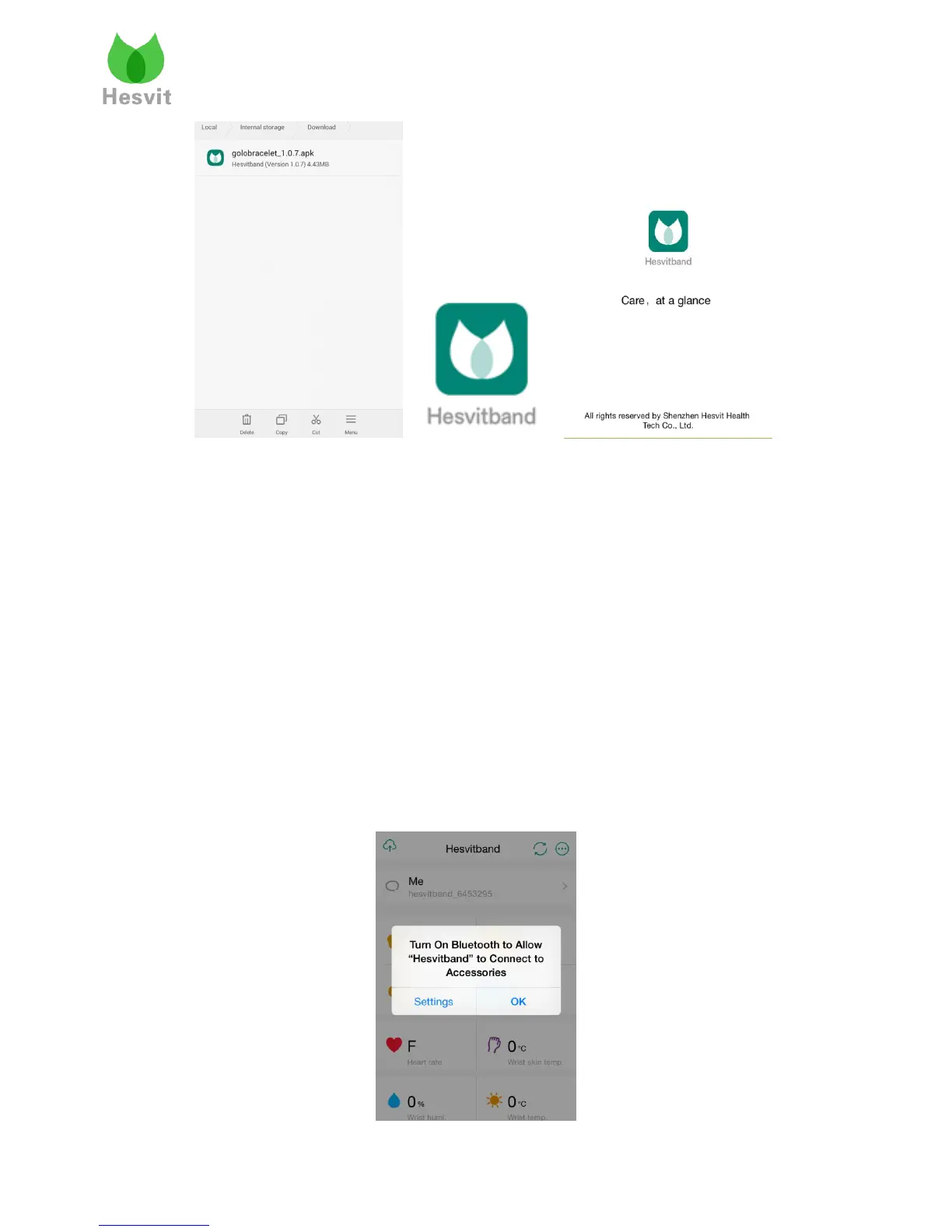
APP Logo Main interface
Note:When you install an app from Google Play on a device running Android 6.0 and up you
control which capabilities or information that app can access—known as permissions. For
example, an app might want permission to see your device contacts or location. You can control
which permissions an app can access after the app installs on your device.
On your device, open the main Settings app.
Touch Apps or Application Manager (depending on your device, this may look different).
Touch the app you want to update.
Touch Permissions.
Next to a permission you want to turn on, move the switch to the right until it turns green. If
you want to turn a permission off, move the switch to the left until it turns gray.
4. Hesvit S3 Pairing
If the Bluetooth is not turned on, the APP will pop a message for you. Just click “Settings” to
turn on the Bluetooth.



 To Next Page