6 / 23
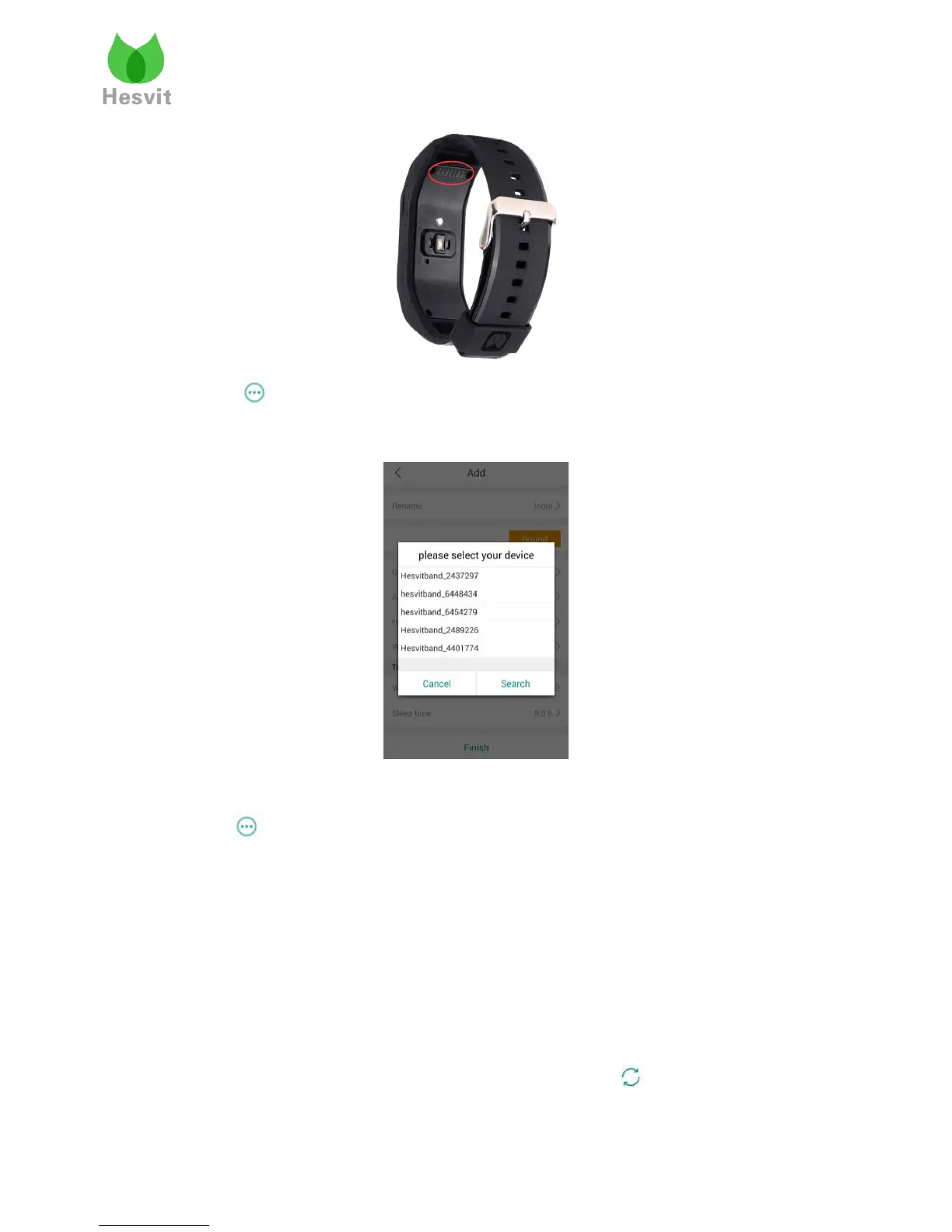
Click -> Setting -> Hesvit S3 Setting -> Binding to choose you Hesvit S3 SN and
bind it.
2). Unbinding
Click -> Setting -> Hesvit S3 Setting -> Unbinding to unbind the previous Hesvit S3.
6. Data Synchronization
Data Synchronization: Users can create a cloud account with their email address or mobile number,
so that the data can be uploaded to cloud server when users connect APP with Hesvit band’s
Bluetooth and set the synchronization of band’s data.
Step1 : Create your account
Choose Setting->Log In->Register now, then choose your country, input your email address and
click “Next”, finally you can log in, switch on your Bluetooth, click “ ” to synchronize your
data.



 To Next Page