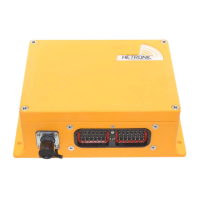
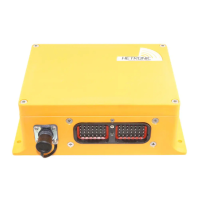
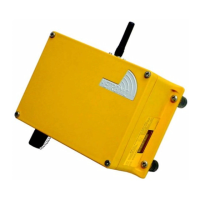
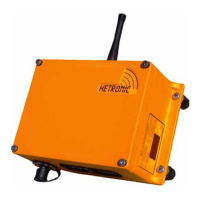
USER OPERATION AND INSTALLATION MANUAL | ES-CAN HL RECEIVER
5
2. Introduction and Functional Description
We congratulate you on the purchase of your new Hetronic ES-CAN HL Receiver. You have chosen a high quality product. Familiarise
yourself with the unit before using it for the first time. In addition please carefully refer to the operating instructions and the safety advise
given in this manual. Only use the product as instructed and only for the intended field of application. Keep these instructions in a safe
place. If you pass the product on to anyone else, please ensure that you also pass on all the documentation with it.
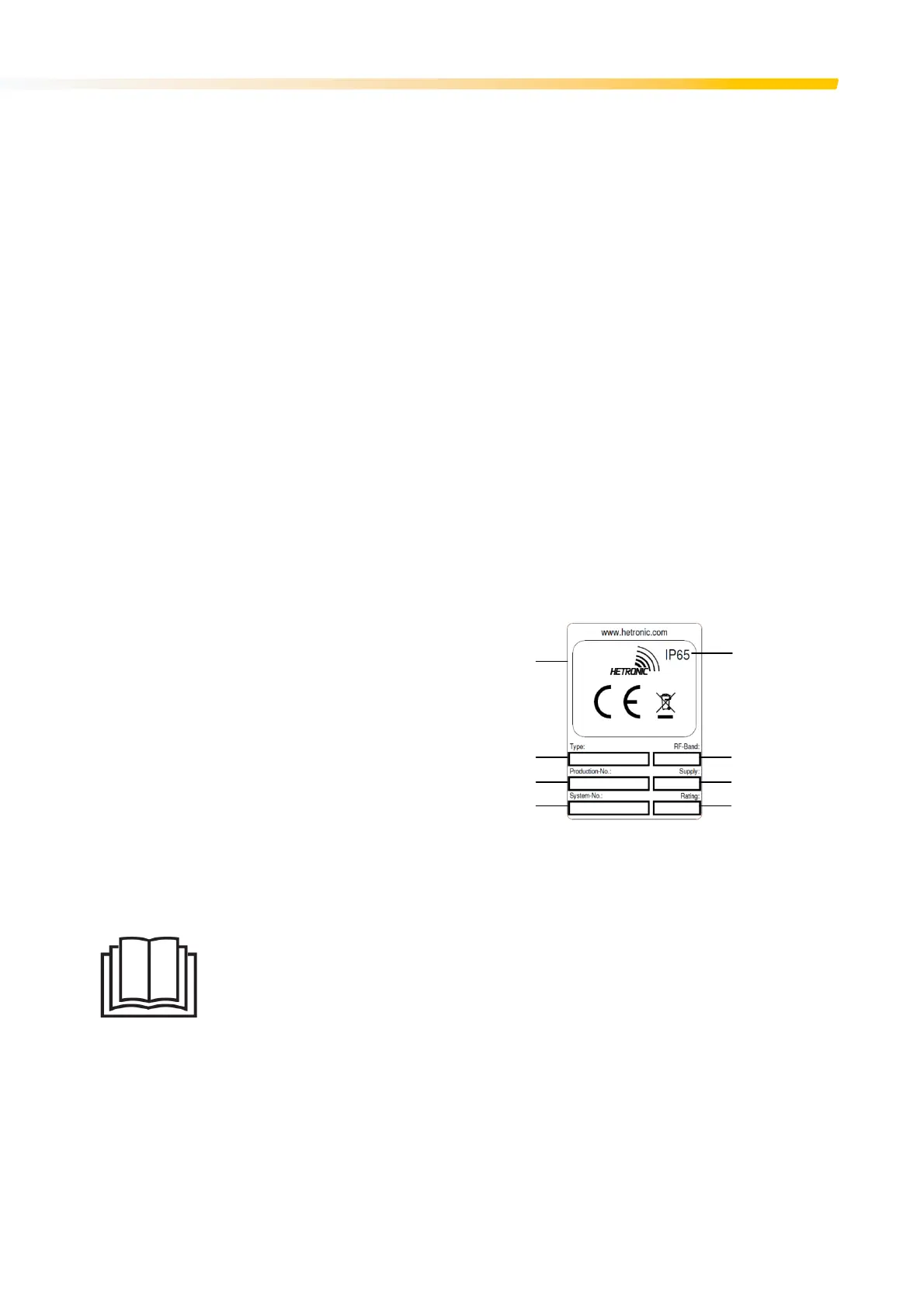
2.1 Production and System Numbers
Before contacting your dealer or Hetronic about service, repair or replacement parts, note the equipment Production and System numbers.
These numbers are located on the silver label affixed to the unit.
2.2 Before Operating Your Wireless Control Unit
Confirm that installation of all your system components has been properly completed. Before start up, ALWAYS confirm that the machine
and radio remote control Stop functions work properly.
Understand all Safety Precautions provided in the manuals and review control functions and operation of the machine and this radio
remote control system. When not in use, turn the receiver off and disconnect all power sources to prevent unauthorized use. Ensure that
the USB Dongle (which acts as a security key to program the receiver) is kept in a separate but safe and secure place. If the machine does
not respond properly, immediately stop operation. Turn off the unit and report the condition to your supervisor.
Turn off the receiver and disconnect all power sources before any maintenance work is done. Installation, setup and service must be
performed by authorized and qualified personnel only.
2.3 Unit Labels
2.3.1 Product Rating Plate
1. Specific approvals, such as CE, FCC, IC, etc.
2. Type of receiver
3. Eleven-digit production number
4. Eleven-digit system Number
5. Ingress protection rating
6. Frequency information
7. Supply voltage
8. Current rating
Figure 1. Product Rating Plate
2.3.2 Read User Manual
The “Read User Manual” symbol on the receiver acts as a reminder for the user to thoroughly read through the
manual before attempting to operate the system. The User Manual must always be placed in a safe and easily
accessible place when not being used for when there is the need to refer to it.



 To Next Page