Easy HD Expressway!
WWW.HIDES.COM.TW 12
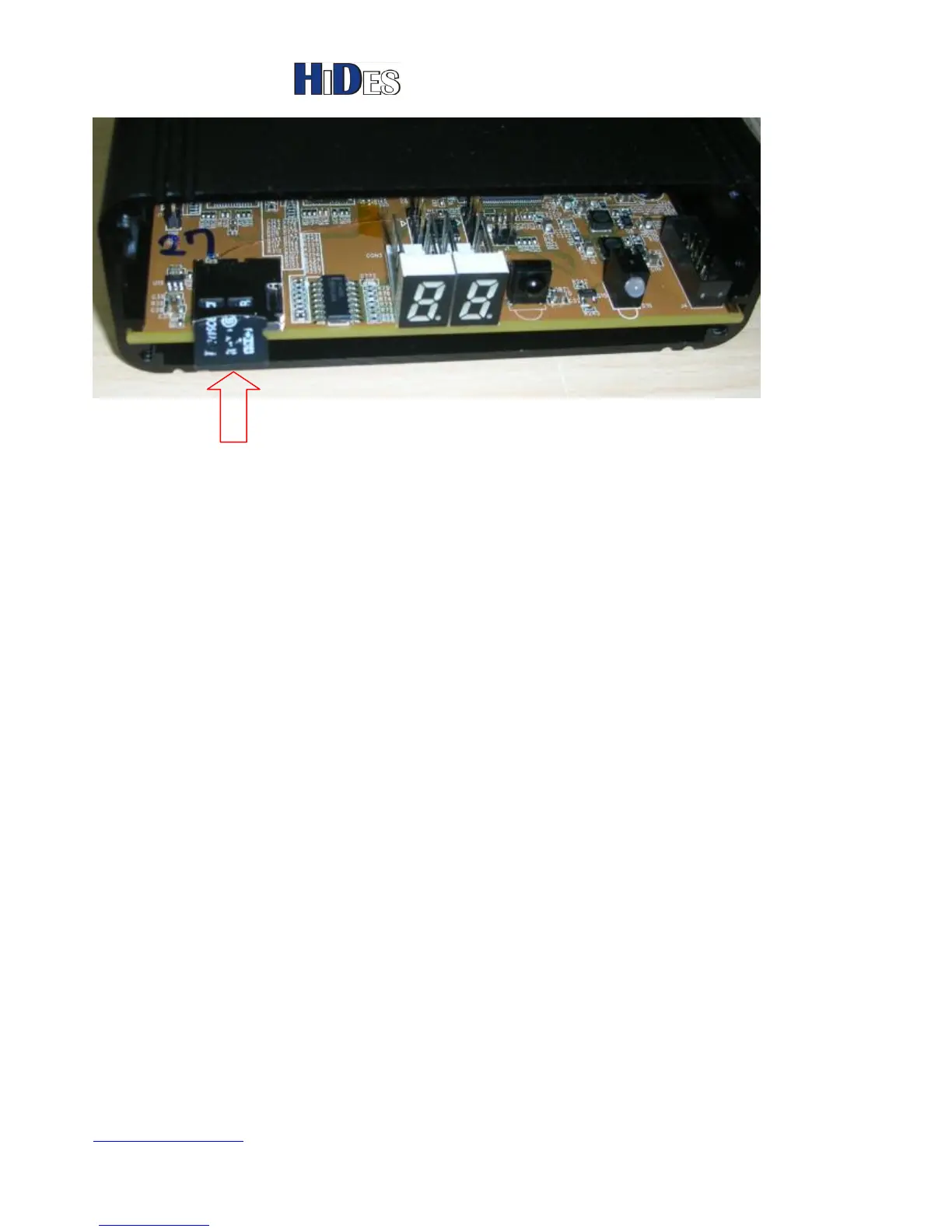
4. Power on the transmitter box and wait for about 30 seconds.
If the SD card is detected properly and JEDI.IMG is found, the update progress will be started.
The 7-SEG LED shows “88” when updating, and show 21 when update is done.
If you can connect to the UART debug port (refer to next chapter), you will see the debug messages,
“sd upgrade start” and “sd upgrade finish”
5. Remove the micro SD card, power off, then power on the transmitter box.
Note:
1. Jedi.img will be rename to jedi_tmp.img when update is done.
After firmware update, please check if the DC table still exists. If not, it’s recommend to restore the DC
calibration table.



 To Next Page