Easy HD Expressway!
WWW.HIDES.COM.TW 11
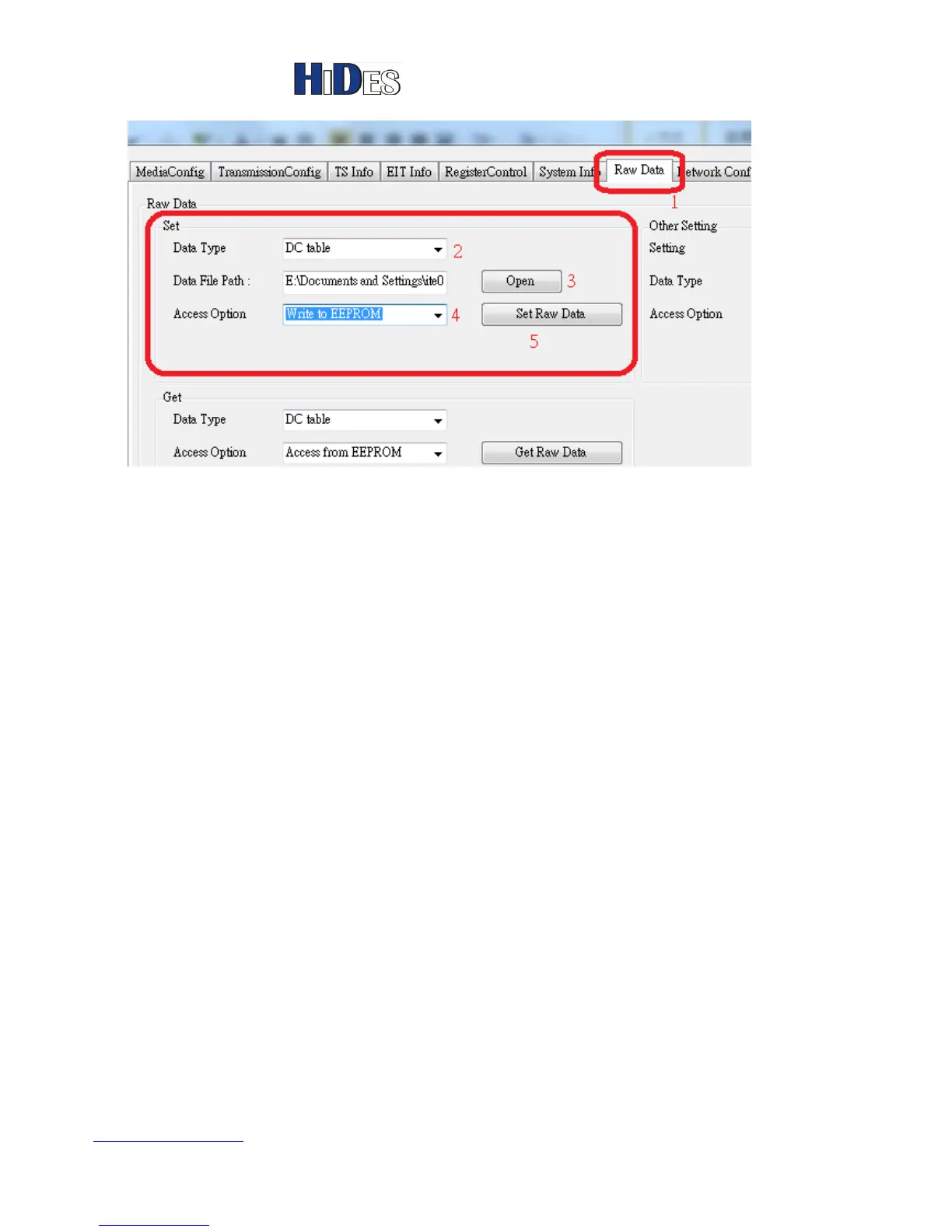
In the “Raw Data” page, “Set” group, select “DC table”-> “Open” a DC table file->“Access from
EEPROM”, then click on the button “Set Raw Data”.
Firmware Update
Before firmware update, it’s recommend to backup a copy of the DC calibration table in the NOR flash.
The firmware update process may corrupt the DC calibration table in the NOR flash.
1. Copy the firmware image file “jedi.img” to the root directory of a micro SD card.
2. Power the HV-320 box down.
3. Plug in the micro SD card



 To Next Page