Need help?
Do you have a question about the HiFuture Altus and is the answer not in the manual?
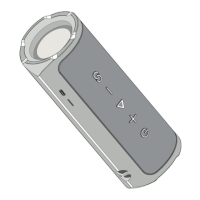
Press the multifunction button for two seconds to power the device on or off.
Use the multifunction button for play/pause, answering/ending calls, rejecting calls, and switching microphones.
How to reset the Altus device and disconnect from Bluetooth.
Pairing two Altus speakers for True Wireless Stereo (TWS) mode.
Activating and controlling the voice assistant feature.
Control next and previous tracks using dedicated buttons.
Adjust the device volume up or down.
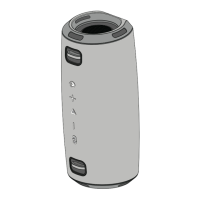
Understanding status through indicator lights like pairing and low battery.

 To Next Page
 General