________________________________________________________________________________
4 www.hightechpet.com High Tech Pet Products, Inc.
Note: Repeat this test at least once a week.
Caution! When pressing the TEST Button avoid contact with the Shock
Probes!
3) ENABLE or DISABLE Shock Correction. Shock correction is easily
toggled ON or OFF. Do this only with the collar removed from the dog!
A. Press the TEST Button and verify the BATT light illuminates. Also
determine if the SHOCK is ON or OFF. Then if you need to change
it, do the following:
B. Press and hold the TEST Button for 7 seconds, until the SHOCK light
toggles from ON to OFF, or from OFF to ON.
C Repeat this step at any time to toggle to the opposite setting.
4) Select the Desired Detection Mode. Do this by turning the dial until
the arrow aligns with the correct Mode Symbol as listed below.
Note: If dial will not rotate, loosen the screw ½ turn, then rotate the dial.
When done re-tighten the screw ½ turn. This seals the collar against
rain.
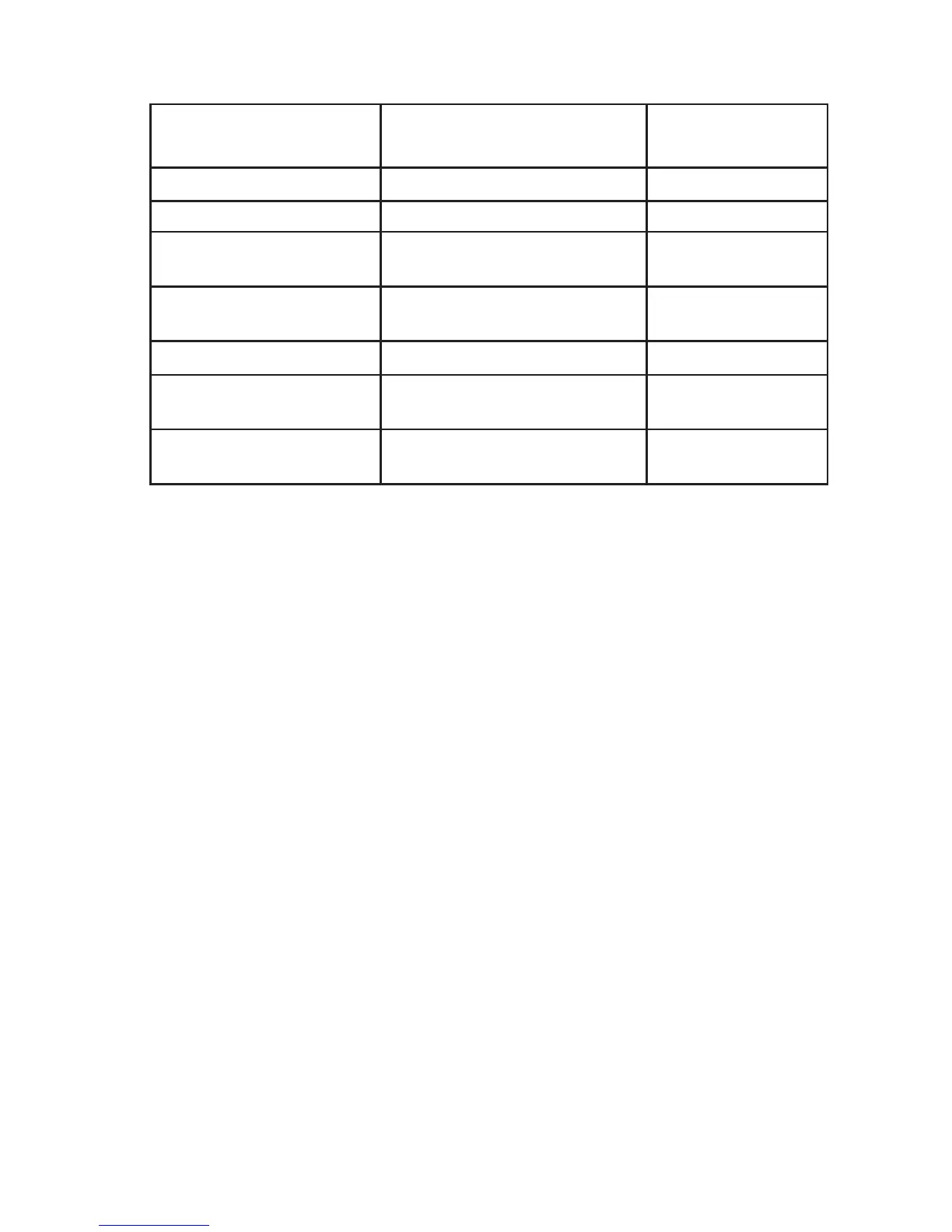
TEST Button
Indications
ACTION
BATT Status Light
Solid Red Battery is Good
Blinking Red Battery is Low Replace Battery
Soon
None Battery is Dead (or System
Failed
)
Replace Battery
SHOCK Status Light
Solid or Blinking Red Shock is ENABLED and
circuit is working properly
None Shock is DISABLED or
circuit has failed



 To Next Page