Section 4 - Operating the CFR 650
8. Begin processing material.
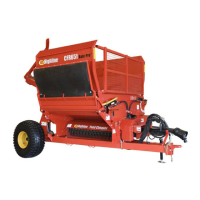
- Slowly start rotating the bale with the
feed rollers.
- Bring the feed rollers up to a
speed where the material is being
fully processed.
Note: If the feed rollers are rotating to
fast they may dig into the bale.
This may cause grooves which
may result in the bale not being
able to be turned.
Note: If the processor vibrates
excessively, immediately
disengage PTO and stop the
tractor.
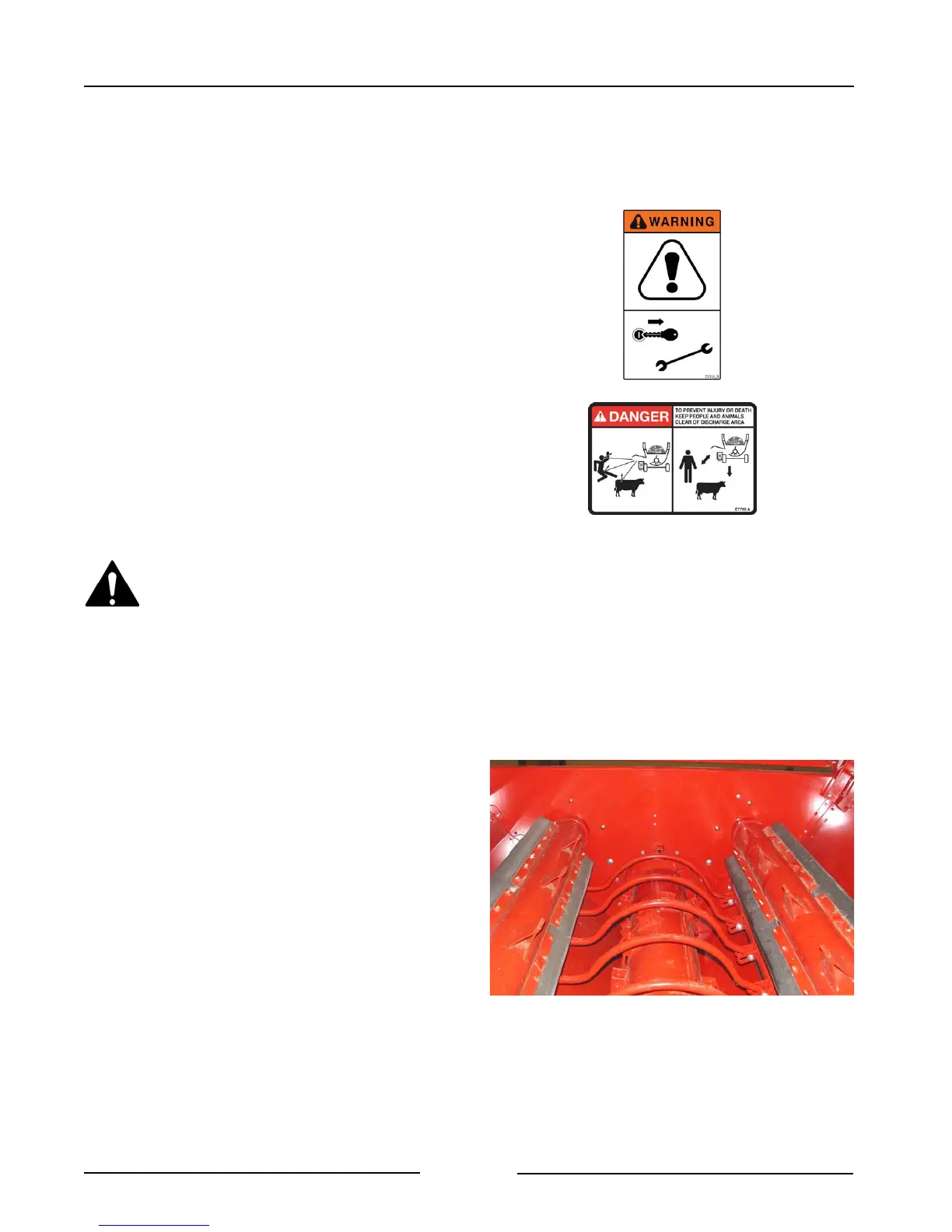
Wait for all flail drum rotation to
stop before approaching the
processor.
Inspect for blockages, missing
flails or other causes of the
vibration.
9. Adjust the direction of bale rotation.
- Rotate the bale with the feed rollers so
that the top of the bale moves toward
the discharge side of the processor.
- If material begins to bunch up near
the top of the bale, reverse the
direction of bale rotation.
- If the bale stops rotating, reverse the
direction of the feed rollers.
Adjust Direction of Bale Rotation
201214
Page 4-6


 To Next Page