6
Setting up the SSD7100 for a Windows operating system
1. Verifying Installation
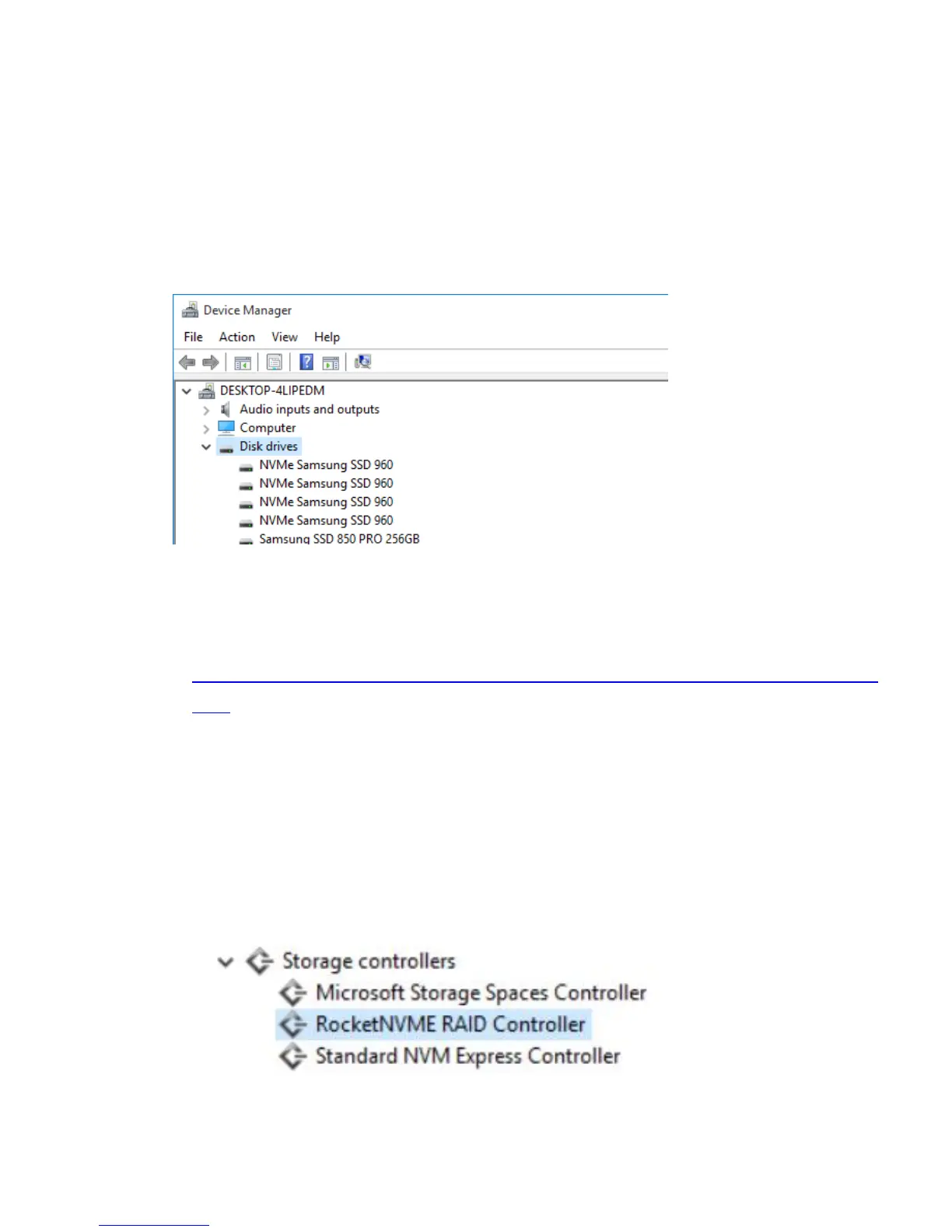
After booting Windows, open Device Manager, and expand Disk drives.
The installed NVMe Samsung SSD 960 should be displayed:
2. Driver Installation
1) Download the Windows driver package from the HighPoint website:
http://www.highpoint-tech.com/USA_new/series-SSD7100-download.
htm
2) Once downloaded, locate the folder you downloaded the driver to.
Extract the driver package and double click the setup.exe file to start
the driver installation.
3) Follow the wizard and reboot system to complete the driver
installation.
4) Rebooting. A RocketNVME RAID Controller entry should be
displayed under Storage Controllers.:















 To Next Page