HighPoint NVMe G5 Data RAID Installation Guide (Linux)
23
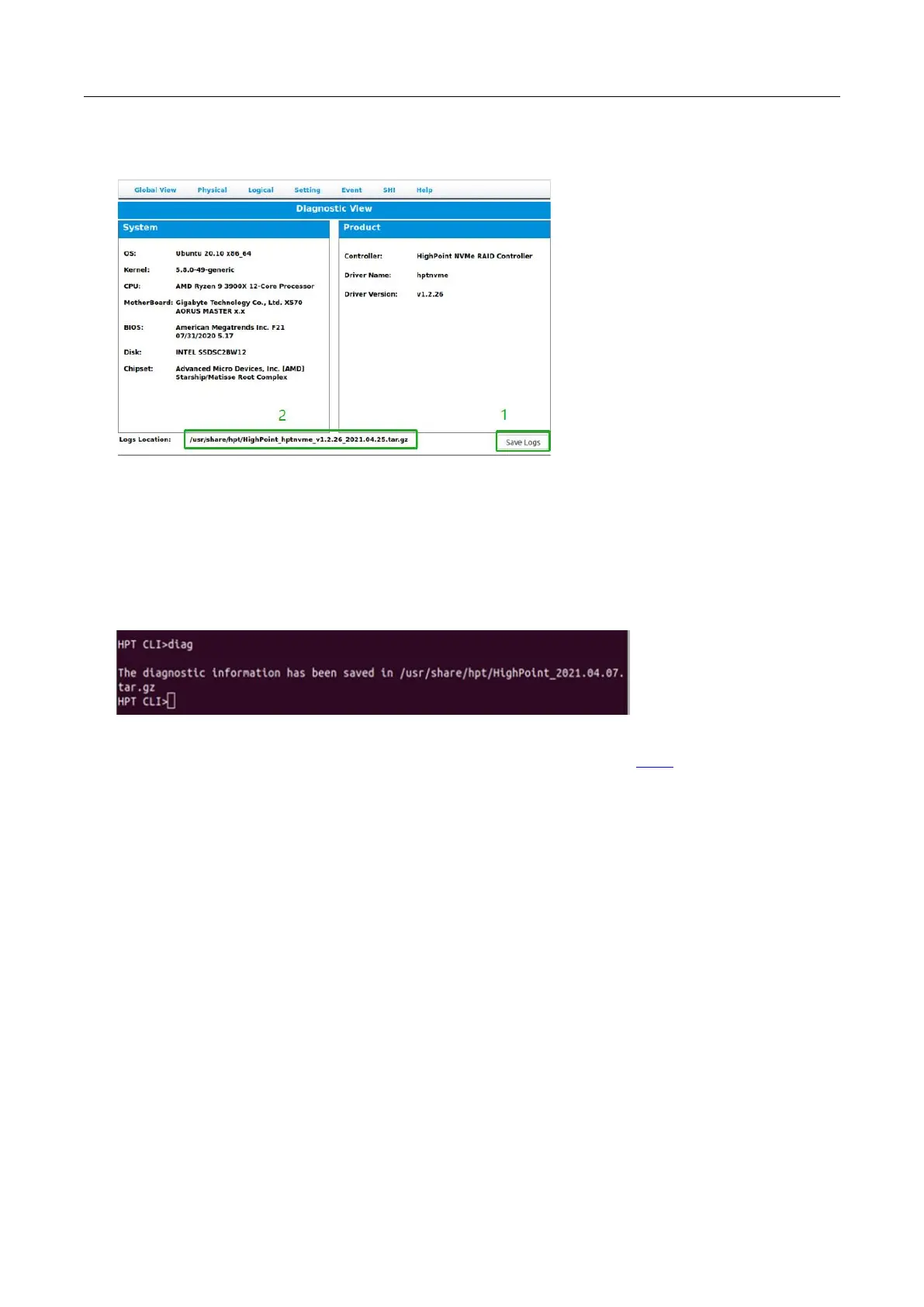
3. Click the “Save Logs” button to create the diagnostic file.
Note: this process may take several minutes to complete.
How to collect Log information CLI
1. Execute the command ‘hptraidconf’ to enter the CLI;
2. Execute the command ‘diag’ in CLI, your log information will be collected.
Please submit the log file to our Support Department using our online services: Link.















 To Previous Page