SSD7000 NVMe RAID AIC BootRAID Installation Guide
HighPoint Technologies, Inc
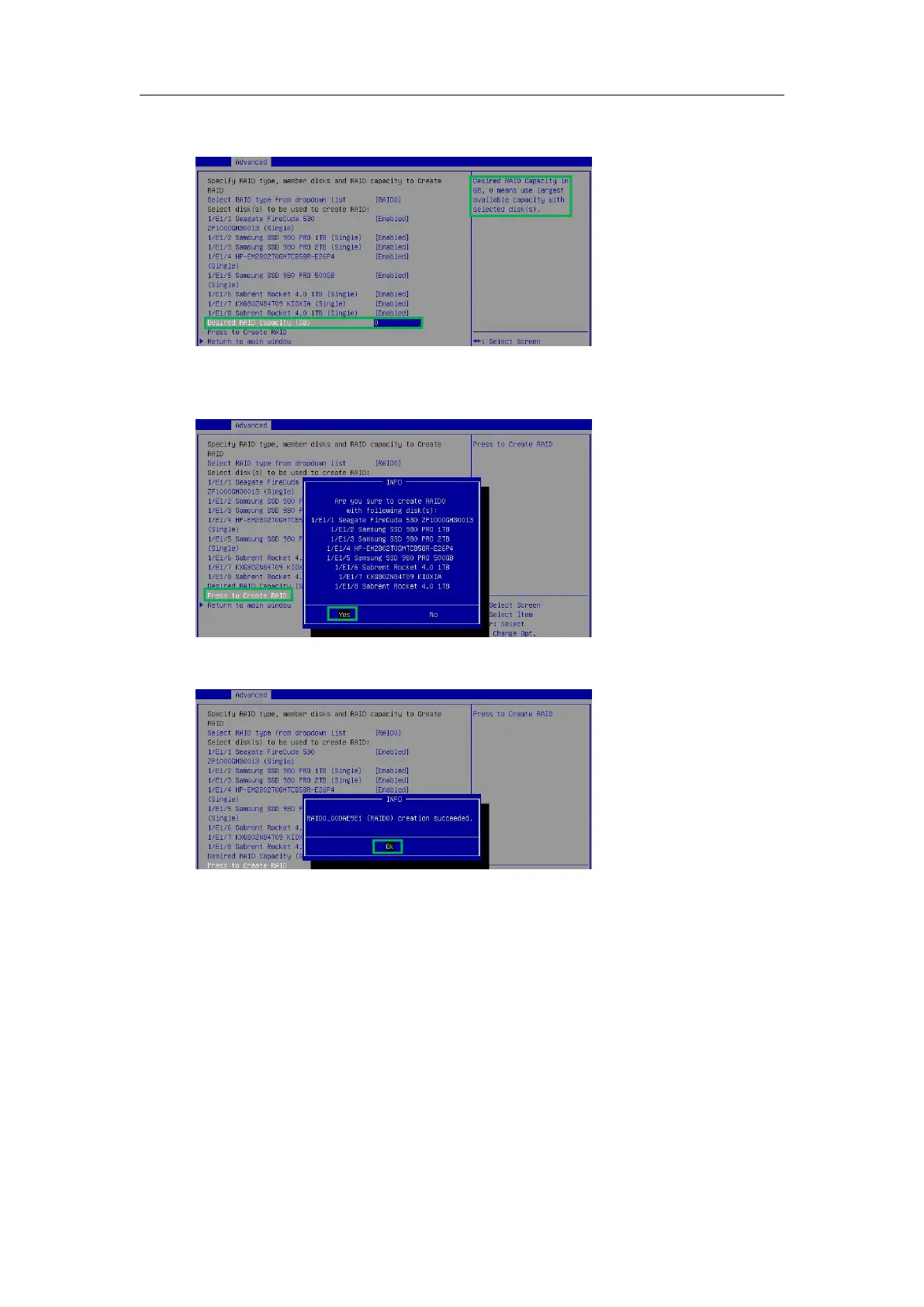
6. Use the keyboard to input the space (GB) you want to set aside for this array. You can decide
how much storage capacity will be assigned to the array.
7. Select and press to create RAID to complete the RAID Array creation. A pop-up window
prompt: Are you sure to create RAID0 with following disk(s). Press the Enter key to
confirm.
8. A pop-up window will state that RAID*** creation succeeded. Press the Enter key to
confirm the operation again.















 To Next Page