SSD7000 NVMe RAID AIC BootRAID Installation Guide
HighPoint Technologies, Inc
5. If you want to boot from another kernel, please install the NVMe AIC open source driver after
entering the system.
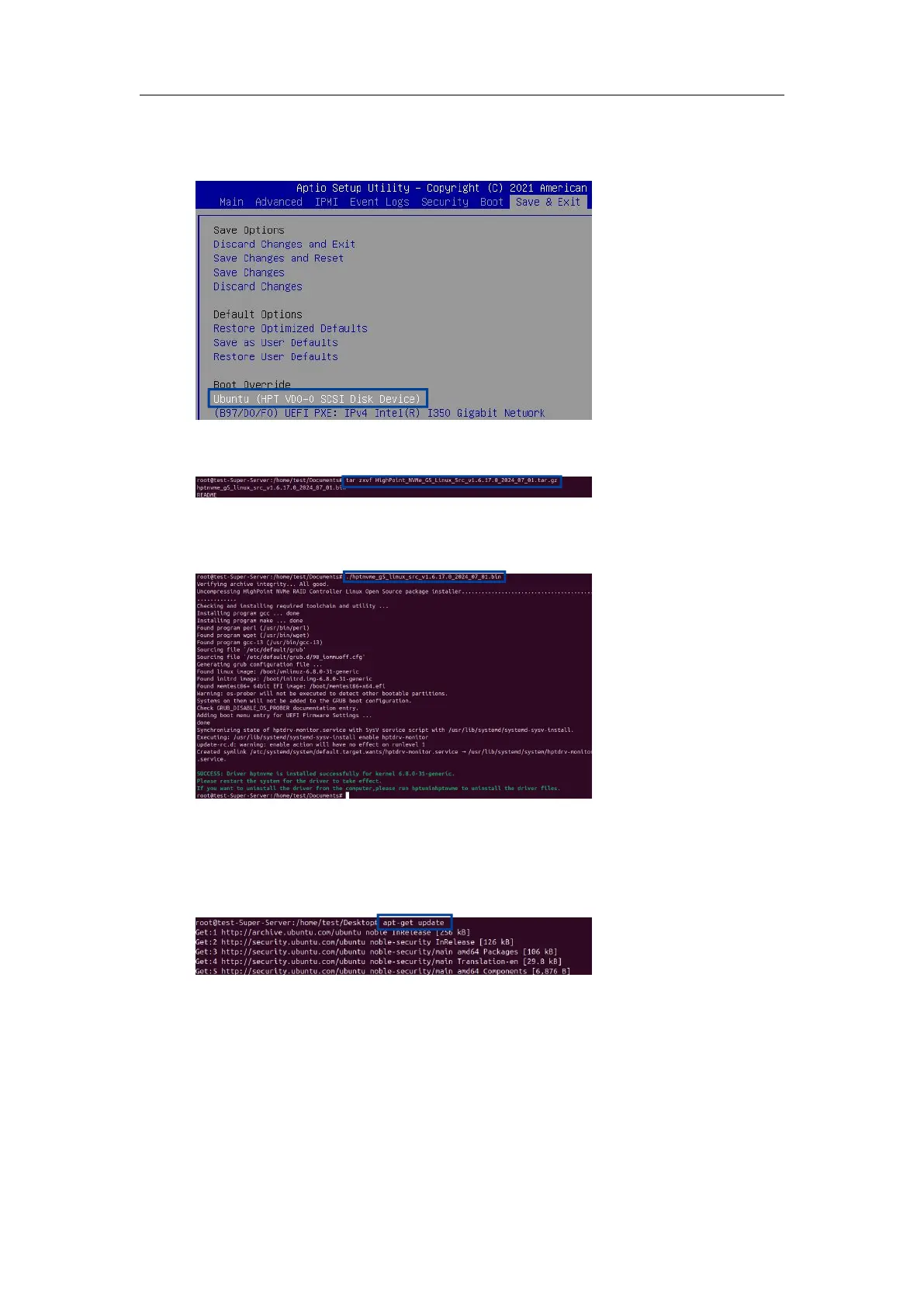
a. Boot the system.
b. Enter the following command to extract the open source driver:
#tar zxvf HighPoint_NVMe_G5_Linux_Src_vx.x.xx_xx_xx_xx.tar.gz
c. Enter the following command to install the open source driver.
#sh hptnvme_g5_linux_src_vxx.x.x_xx_xx_xx.bin or
#./ hptnvme_g5_linux_src_vxx.x.x_xx_xx_xx.bin
d. Manually restart the system.
e. Execute the following command to download package information from all configured
sources. (please connect to the internet) to install available upgrades of all packages currently
installed on the system.
#apt-get update















 To Next Page