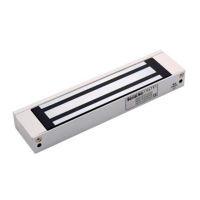
Step 3:
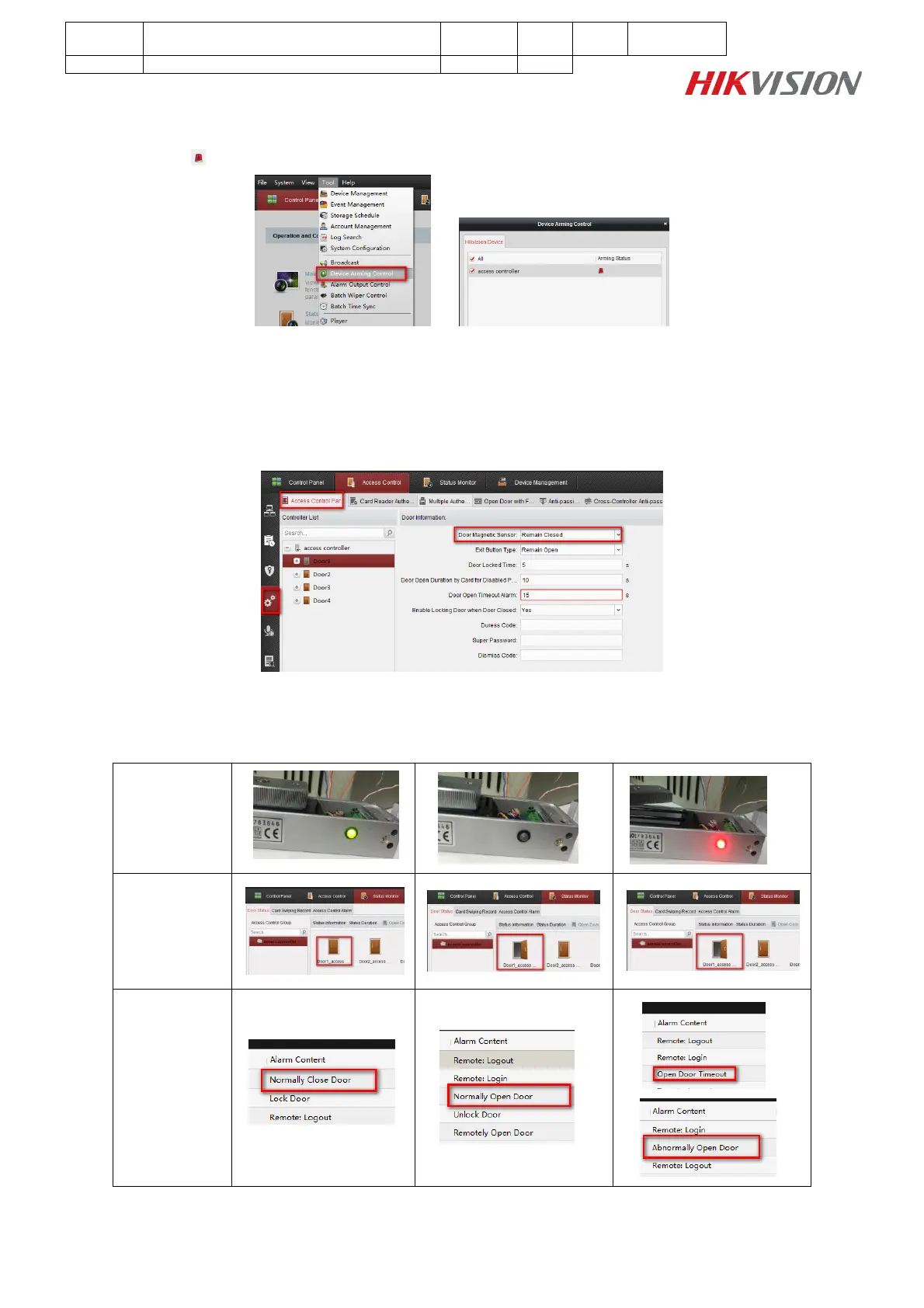
Click Tool Device Arming Control, check your access controller arming status;
The icon means device was armed by iVMS-4200 Client;
Step 4:
Enter Access Control Advanced Function Access Control Parameters interface, set Door
Magnetic Sensor as Remian Closed, and it should be consistent with the wiring of Door Magnetic
Singnal Output;
Step 5:
Enter Status Monitor Door Status interface, open the door, check door status on iVMS-4200 Client
and the magnetic lock LED status;



 To Next Page
 Loading...