Network Camera User Manual
7. Click Save to save the settings.
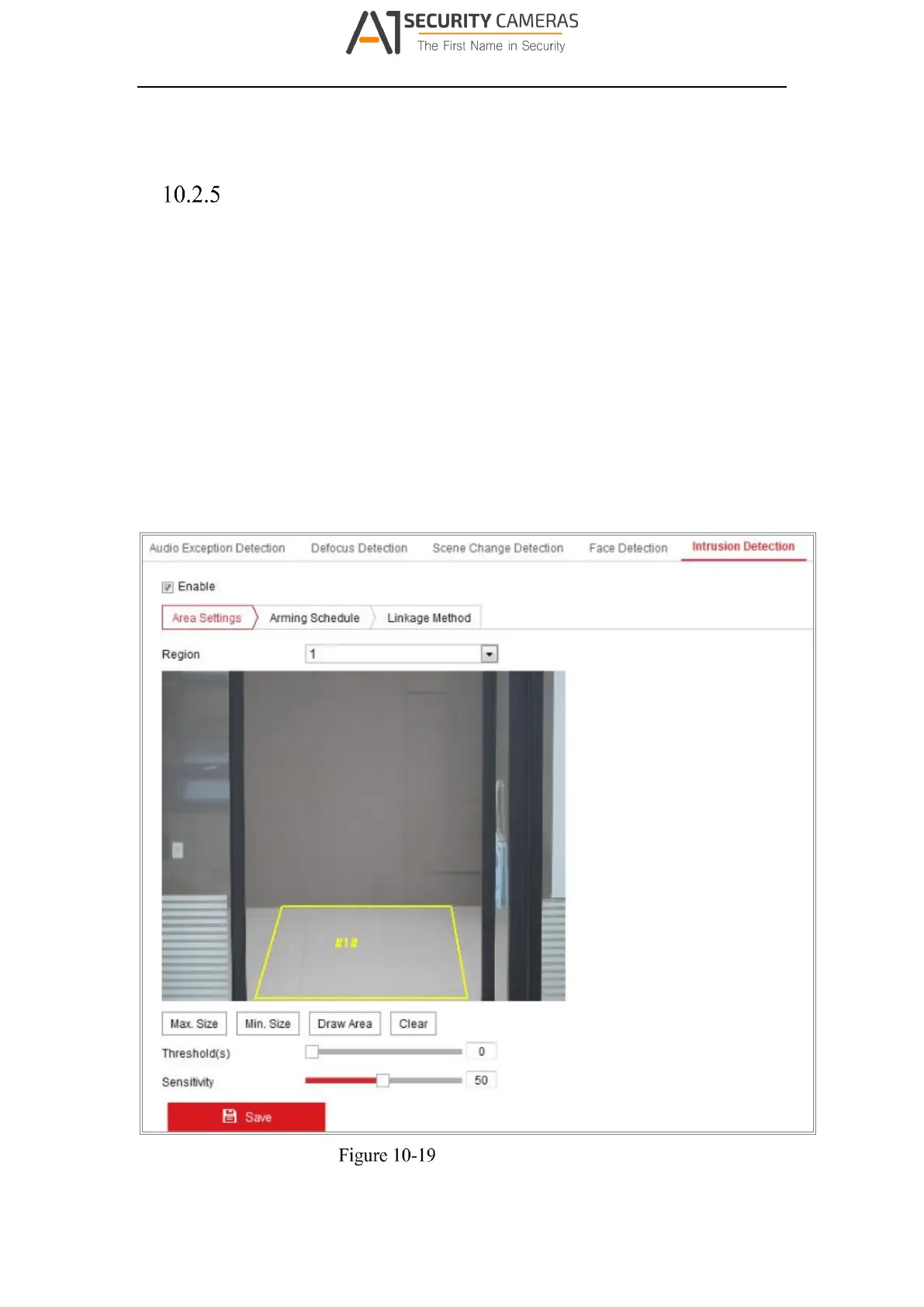
Configuring Intrusion Detection
Purpose:
Intrusion detection function detects people, vehicle or other objects which enter and
loiter in a pre-defined virtual region, and some certain actions can be taken when the
alarm is triggered.
Note: Intrusion detection function varies according to different camera models.
Steps:
1. Enter the Intrusion Detection settings interface, Configuration> Event > Smart
Event > Intrusion Detection.
Intrusion Detection
124
Available from A1 Security Cameras
www.a1securitycameras.com email: sales@a1securitycameras.com


 To Next Page
 Loading...