The seso a e ued out a lase ea, so
he a lase euipet is i usig, ake sue that
the sufae of seso ill ot e eposed to the lase
ea.
Do ot plae the aea i eteel hot, old, dust
o dap loatios, ad do ot epose it to high
eletoageti adiatio.
To aoid heat auulatio, good etilatio is
euied fo opeatig eioet.
Keep the aea aa fo liuid hile i use.
While i delie, the aea shall e paked i its
oigial pakig, o pakig of the sae tetue.
Mark Descriptio
Tale - Mak Desiptio
Itroductio
Product Features
The ai featues ae as follos:
High pefoae CMOS seso
p/p esolutio
Auto hite alae
Auto eletoi shutte
Auto gai otol AGC
Sithale TVI/AHD/CVI/CVBS ideo output
IR ut filte
-ais adjustet
Note:
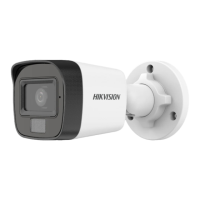
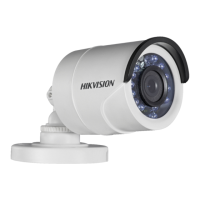
Type III camera is applicable for indoor only.
Overview
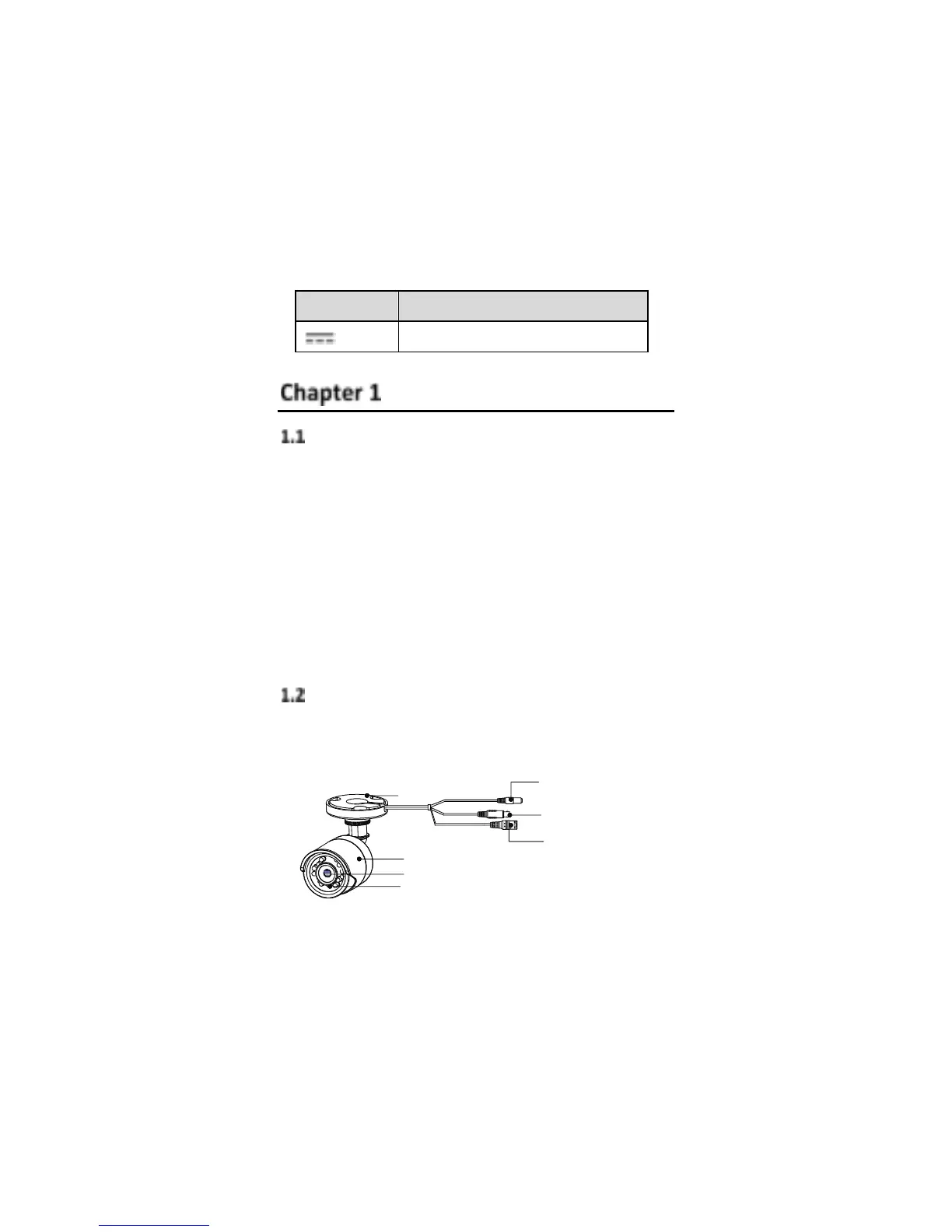
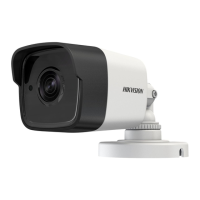
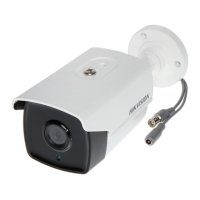
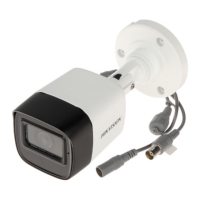
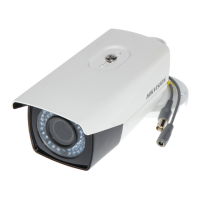
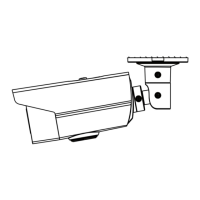
1.2.1 Type I Camera Overview
Figure 1. 1 Type I Camera Overview
Note:
Press and hold the switch button for 5 seconds to
switch the video output. Four kinds of video outputs
are available: TVI, AHD, CVI, and CVBS.



 To Next Page