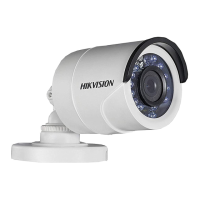
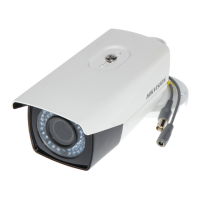
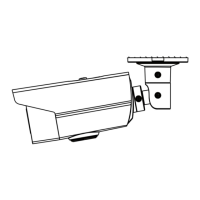
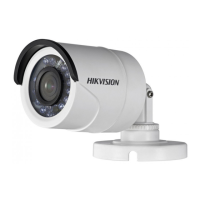
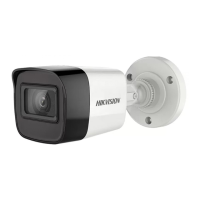
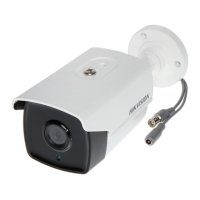
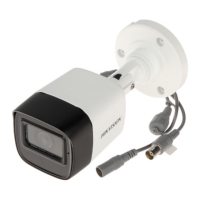
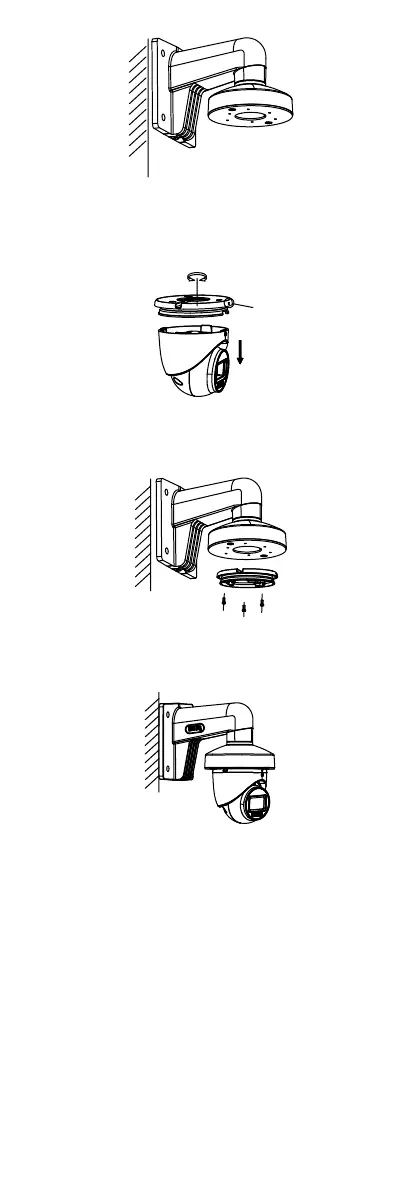
Figure 2-14 Fix Wall Mount
3. Loosen the set screw.
4. Rotate the camera to align the triangle mark with
the screw hole, and disassemble the camera.
Figure 2-15 Dissemble Camera
5. Use M4 × 10 screws to fix the base onto the wall
mount.
Figure 2-16 Fix Base onto Wall Mount
6. Repeat steps 6 to 9 of 2.2.1 Ceiling Mounting
Without Junction Box to finish the installation.
Figure 2-17 Finish Installation
2.3 Installation of Type IV Camera
2.3.1 Ceiling Mounting without Junction Box
Steps:
1. Paste the drill template (supplied) to the installation
location.
2. (Optional) For cement ceiling, drill the screw holes
with a 5.5 mm drill and insert the supplied wall
plugs.
3. Install the camera to ceiling.
i. Secure the installation plate to the ceiling with
three PA4 × 25 screws (supplied).
ii. Fit the camera onto the installation plate.
iii. Turn the camera as the figure below until it snaps
into the installation plate.


 To Next Page
 Loading...