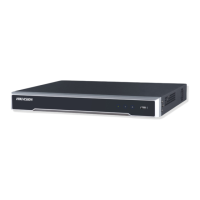
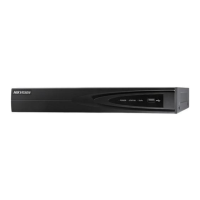
Quick Operation Guide of DS-9600/8600/7600NI-ST Series NVR
3
Steps (for DS-8600NI-ST):
1. Remove the cover from the NVR by unfastening the screws on the back and side.
2. Install the HDD in the HDD rack using the provided screws. Fasten the screws on the
button to fix the HDD.
3. Connect one end of the data cable to the motherboard of NVR and the other end to the
HDD.
4. Connect the power cable to the HDD.
5. Re-install the cover of the NVR and fasten screws.


 To Next Page
 Loading...