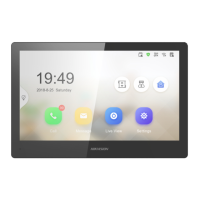
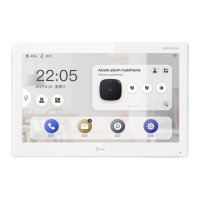
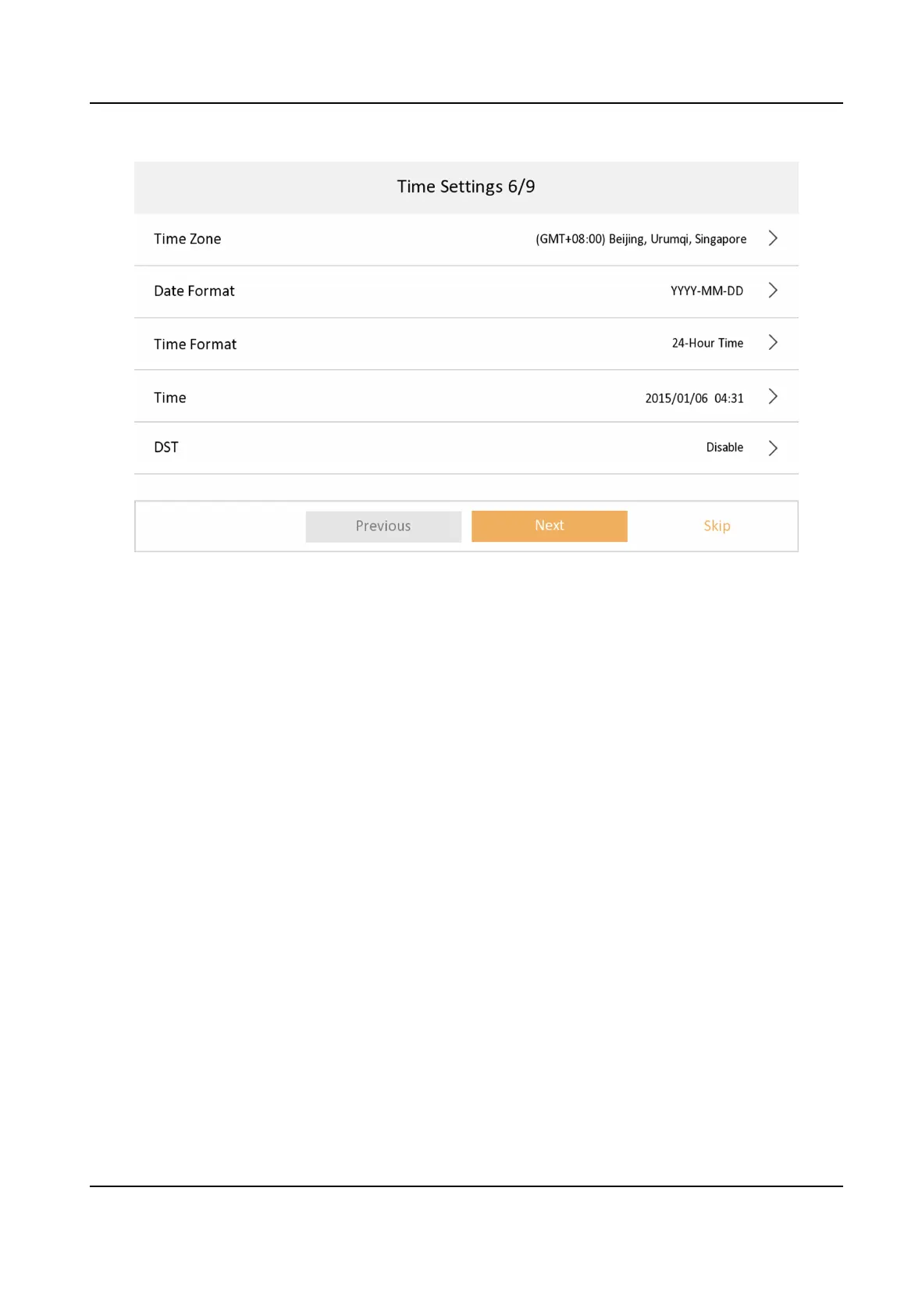
Figure 3-13 Time Sengs
7.
Congure the Hik-Connect service sengs.
1) Enable Hik-Connect service.
2) Edit vericaon code or use the acvaon password by default.
3) View Hik-Connect Server Status.
4) Scan the
rst QR Code to download the APP of Hik-Connect. Scan the second QR Code to add
your device to the APP.
Aer adding the device to the APP, you can congure the device
remotely.
5) Tap Next.
Network Indoor Staon Conguraon Guide
13


 To Next Page
 Loading...