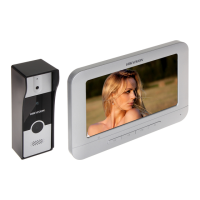
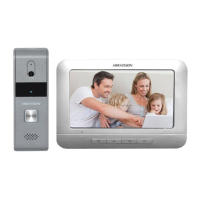
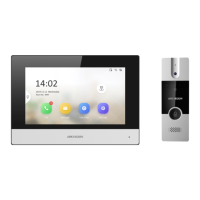
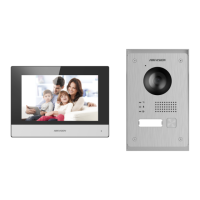
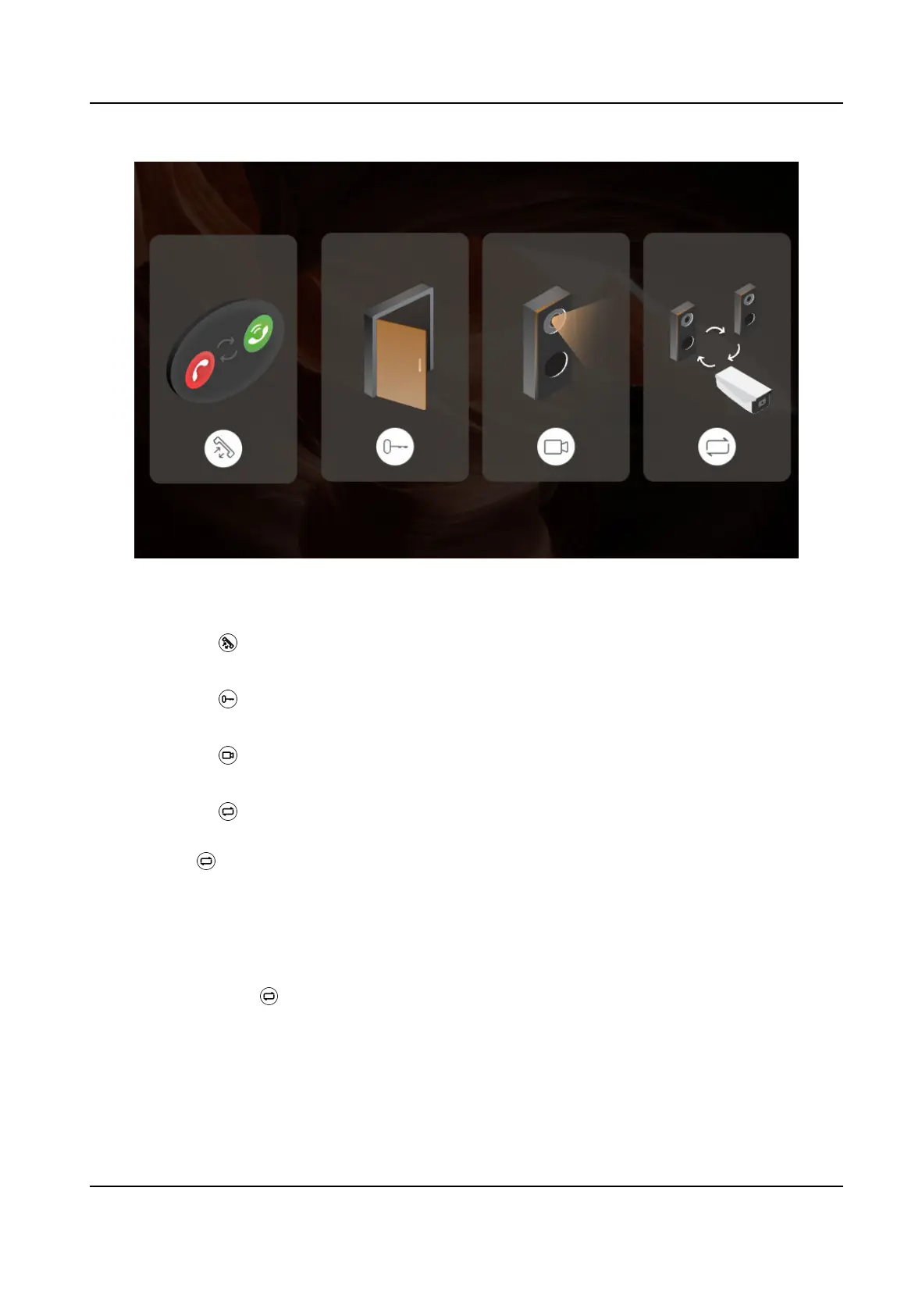
Figure 2-4 Buons
Call Buon
You can press to receive or hang up the call.
Unlock Buon
You can press to unlock the door.
Live View Buon
You can press to view the live videos of door staons or analog camera.
Switch Camera Buon
You can press to switch between door staon 1 or 2 or analog camera when viewing live
videos.
Long press
for 3 s to enter the page of conguraon.
2.4 Parameter
Conguraon
You can set parameters of indoor staon and door staon via the indoor staon.
Long press the buon for 3 s to enter the page of conguraon.
DS-KIS212 Four-Wire Bundle User Manual
8


 To Next Page
 Loading...